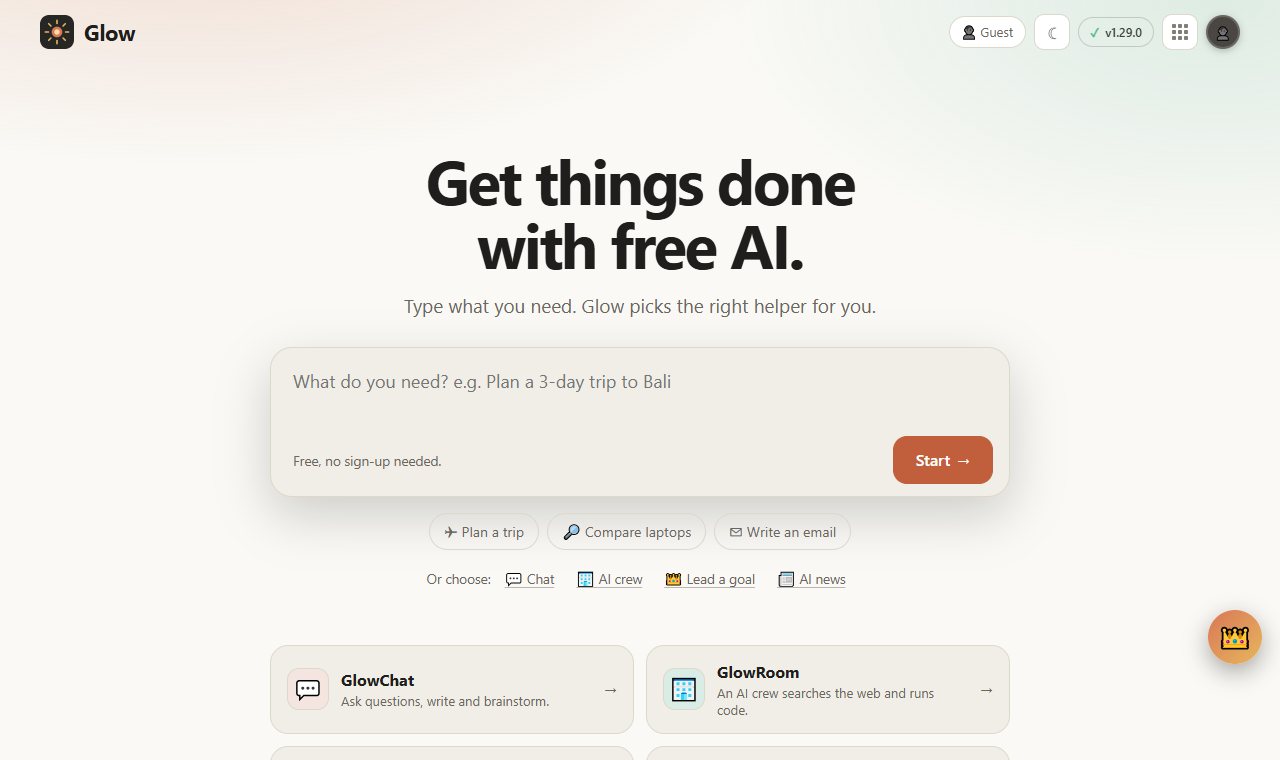
Get things done with free AI.
Four AI apps on one free account, in 4 languages. No API keys, and it keeps working offline.
What's inside
Glow in three ideas.
01
Four apps, one account
GlowLead plans goals, GlowChat compares models, GlowRoom researches and codes, GlowNews brings AI news twice a day.
02
Free built-in AI
Nothing to paste, no card required: the AI is included.
03
Installs everywhere
Windows, Android, iPhone and Mac, with offline support.
Get it
Pick how you want to start.
Questions
Good questions.
Is it free?
Yes. The source is public on GitHub under the MIT licence.
What does it run on?
Web, Windows, Android, iPhone, macOS.
Where do I start?
Open the README for setup and details, or use the buttons at the top of this page.
Who made it?
Juwen Lie, an R&D mechanical engineer in Batam, Indonesia, as an independent personal project.