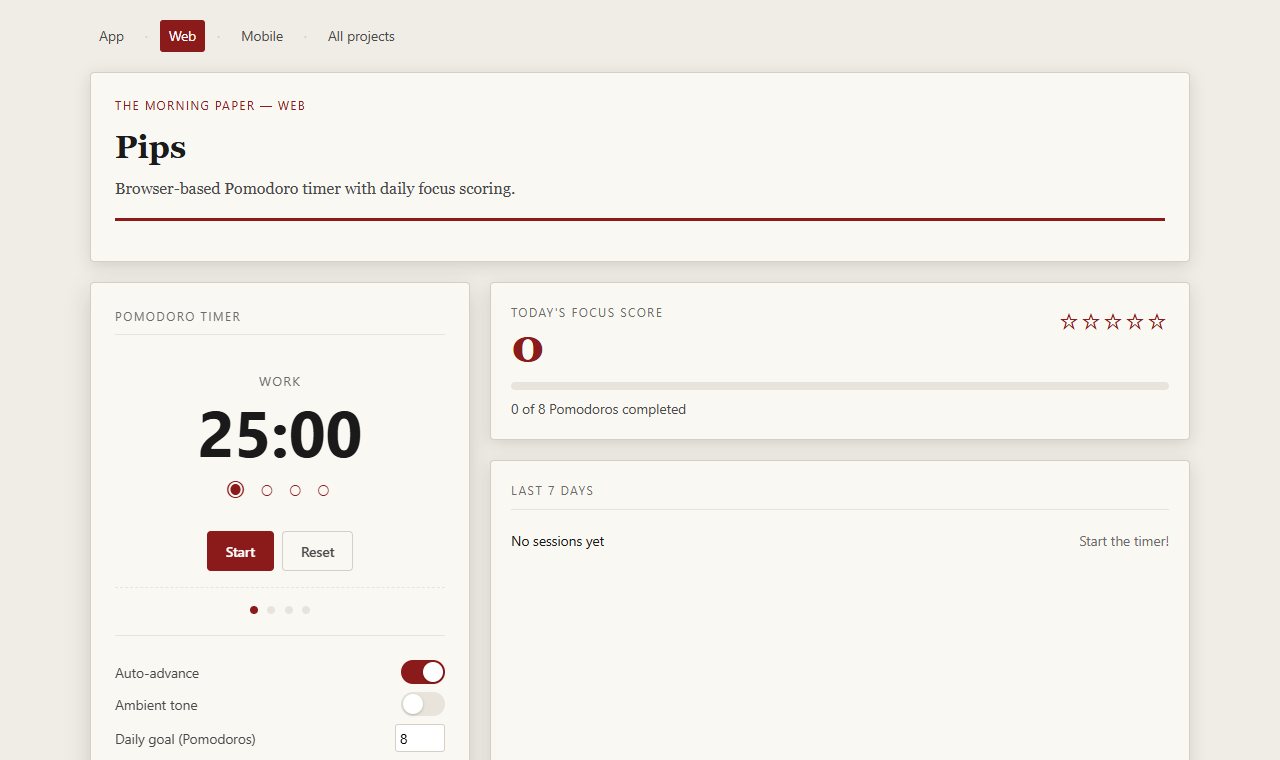
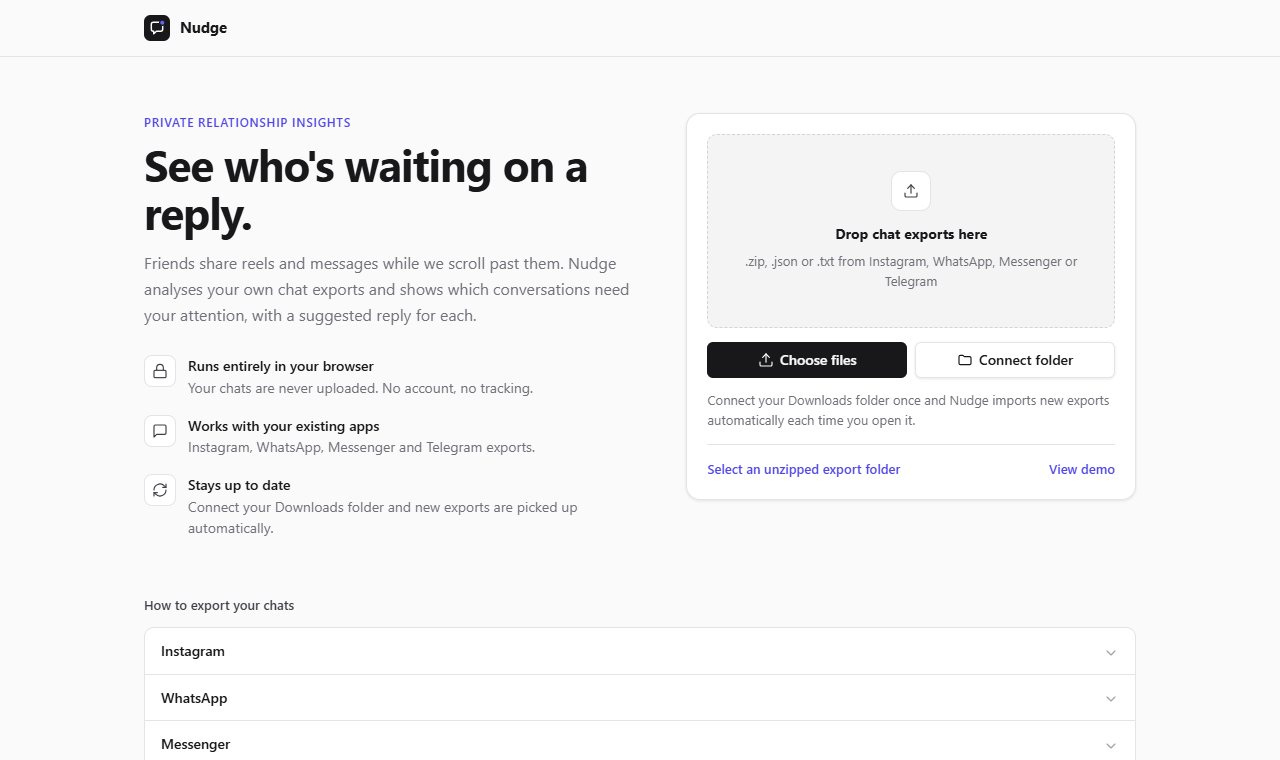
A cat that waves all day
The raised paw waves on its own, smoothly, in a soft flat-vector style with a moon-gate scene behind it.
Hoki is a calm maneki-neko (招财猫) for your phone home screen and your Windows desktop. Tap it for a little luck.
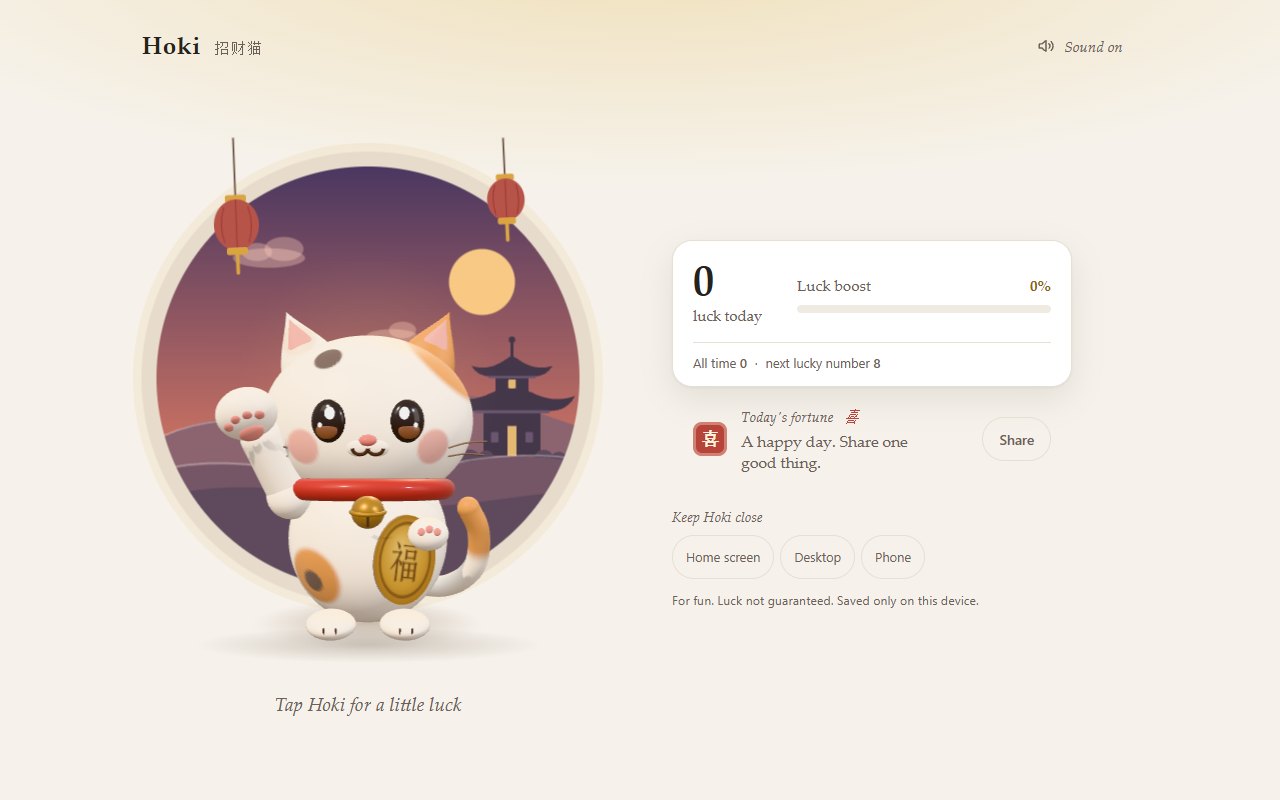
Hoki is a waving lucky cat (招财猫) for your home screen and your desktop.
Every tap makes the paw wave faster and the glow brighter.
Go to juw12.github.io/hoki on your phone or computer.
Android: tap Phone widget in the app, install hoki-widget.apk, then long-press the home screen, choose Widgets and drag Hoki out.
On Windows, paste one line into PowerShell.
The raised paw waves on its own, smoothly, in a soft flat-vector style with a moon-gate scene behind it.
Each tap gives +1 luck (福 / 财 / 运 / 喜), a bell, coins and a luck boost that speeds up the wave.
8 发, 28, 88, 168 一路发, 288, 888, 1688 and 8888 trigger a big bell and a blessing.
Counts your luck for today and all time, and shows the next lucky number to reach.
Android: a real home-screen widget. The cat waves on your home screen and a tap adds luck. iPhone: Add to Home Screen for a full-screen Hoki that works offline.
A transparent, always-on-top widget draws the same cat. Click for luck, drag to move, right-click for options.
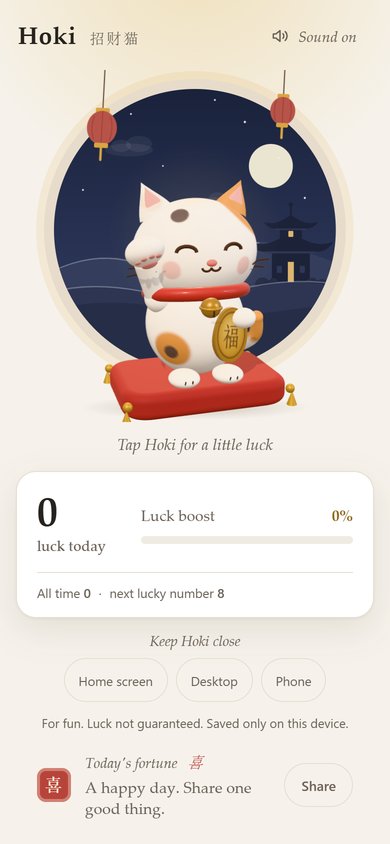
From the README’s “Windows desktop widget” section. Full options, requirements and troubleshooting are there too.
Open the README$ irm https://juw12.github.io/hoki/desktop/install.ps1 | iexStraight from the README, so you know what you're getting before you try it.
24 files in the repo · last updated 8 Nov 2026.
Browse the codeH13: the judges' asks — symmetric face, body shading to match the head, desktop lower-right filled, v3.0.2
Hone v4: richer calico cat, engraved koban, toast below header, v2.0.2
Hone v2: tapered arm, labelled sound pill, two-column desktop, top toast
Retro pixel redesign: sprite cat with 3-frame beckoning paw pixel UI
Installer: match the cat's default position in the message
Waving lucky cat PWA + Windows desktop widget
PWA, Windows widget, Android widget. You can try it in the browser with nothing to install.
The commands in the “Windows desktop widget” box above come straight from the README. Paste them into a terminal; the README covers options and troubleshooting.
Your counts are saved only on your device.
No. There is no install wizard: it is one PowerShell + WPF script that draws the same cat as the web app.
Right-click the cat and choose Quit, then delete %LOCALAPPDATA%\Hoki, %APPDATA%\Hoki and the Start menu shortcut "Hoki Lucky Cat".
Yes. juw12.github.io/hoki/?widget shows a cat-only view with a transparent background, for a browser side panel or a live-wallpaper tool.
iPhone home-screen widgets need an App Store app, so on iPhone Hoki installs as a full-screen home-screen app instead. The Android widget installs from GitHub, not the Play Store, so Android asks you to allow the install once.
Not yet: it's marked “live” and still changing. The README always has the current state.
A lucky cat that waves all day.