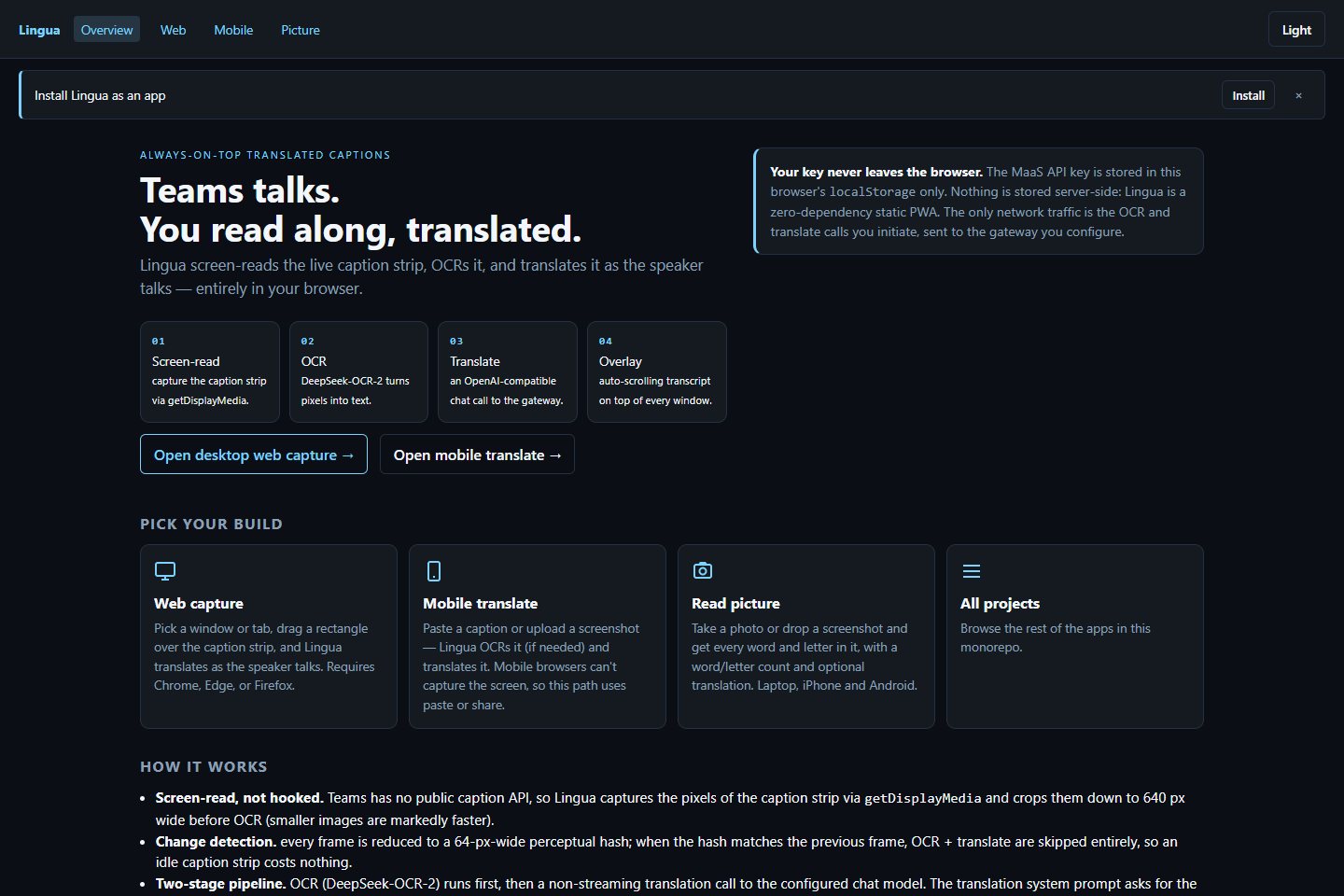
Teams talks. You read along, translated.
A translated-caption window that floats over Microsoft Teams meetings.
What's inside
Lingua in three ideas.
01
Reads the captions
Screen-reads the Teams live-caption strip; no Teams integration needed.
02
OCR then translate
Two fast model calls turn the caption crop into text and then into your language.
03
Floats on top
A small caption window you can keep over the meeting while the speaker talks.
Get it
Pick how you want to start.
Questions
Good questions.
Is it free?
Yes. The source is public on GitHub under the MIT licence.
What does it run on?
Desktop, Microsoft Teams.
Where do I start?
Open the README for setup and details, or use the buttons at the top of this page.
Is it finished?
Not yet. It's actively being built, so expect changes. The README has the current state.
Who made it?
Juwen Lie, an R&D mechanical engineer in Batam, Indonesia, as an independent personal project.