Shared budgets, in any currency.
Synced on every device, with expenses you log by texting Mint on WhatsApp.
What's inside
Mint in three ideas.
01
Budget together
Shared budgets in any currency, synced across every device.
02
Log it on WhatsApp
Text an expense to Mint and it lands in the right budget.
03
A Marketplace
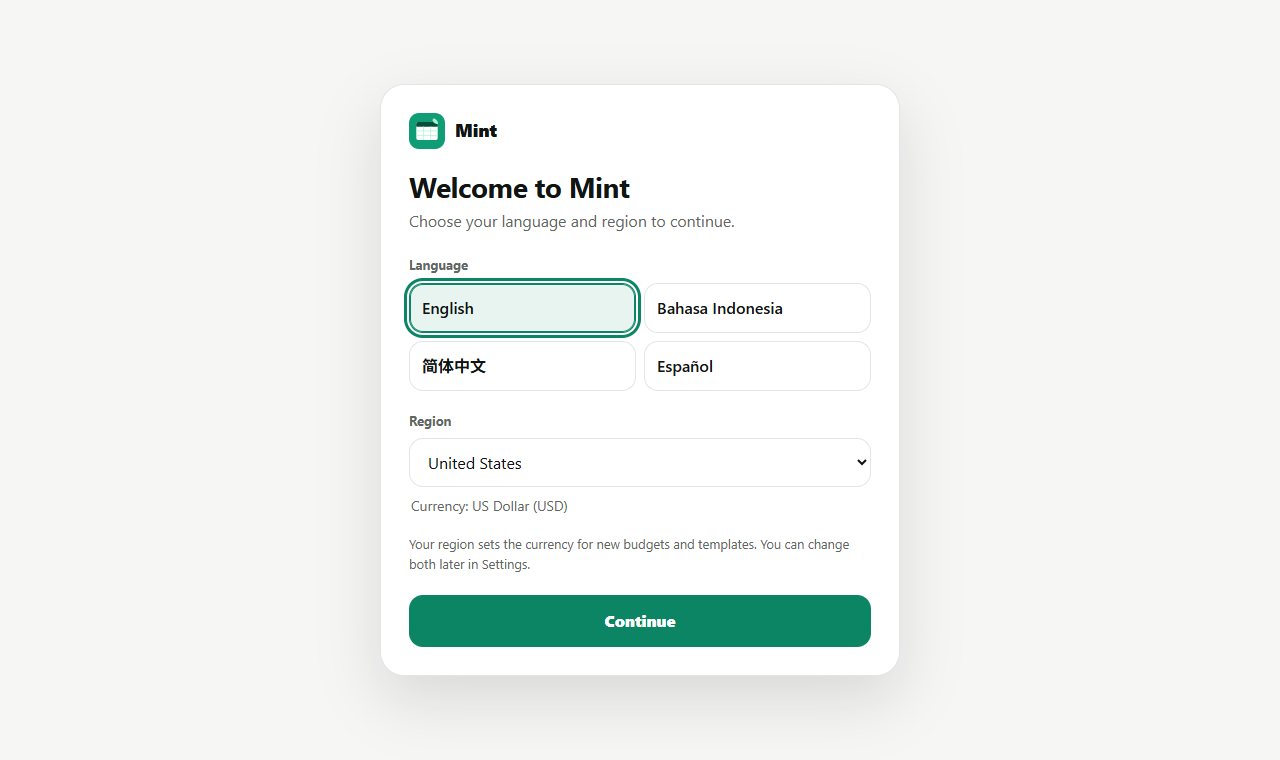
Budget plans, investment mixes and spreadsheet templates, in 4 languages.
Get it
Pick how you want to start.
Questions
Good questions.
Is it free?
Yes. The source is public on GitHub under the MIT licence.
What does it run on?
Web, Windows, macOS, Android, iPhone.
Where do I start?
Open the README for setup and details, or use the buttons at the top of this page.
Who made it?
Juwen Lie, an R&D mechanical engineer in Batam, Indonesia, as an independent personal project.