Watches GitHub
New public repos, new releases and real commit activity, through the gh CLI.
Writes each post from your repo's real facts, adds a fresh screenshot, posts through LinkedIn's official API and learns which projects people click.
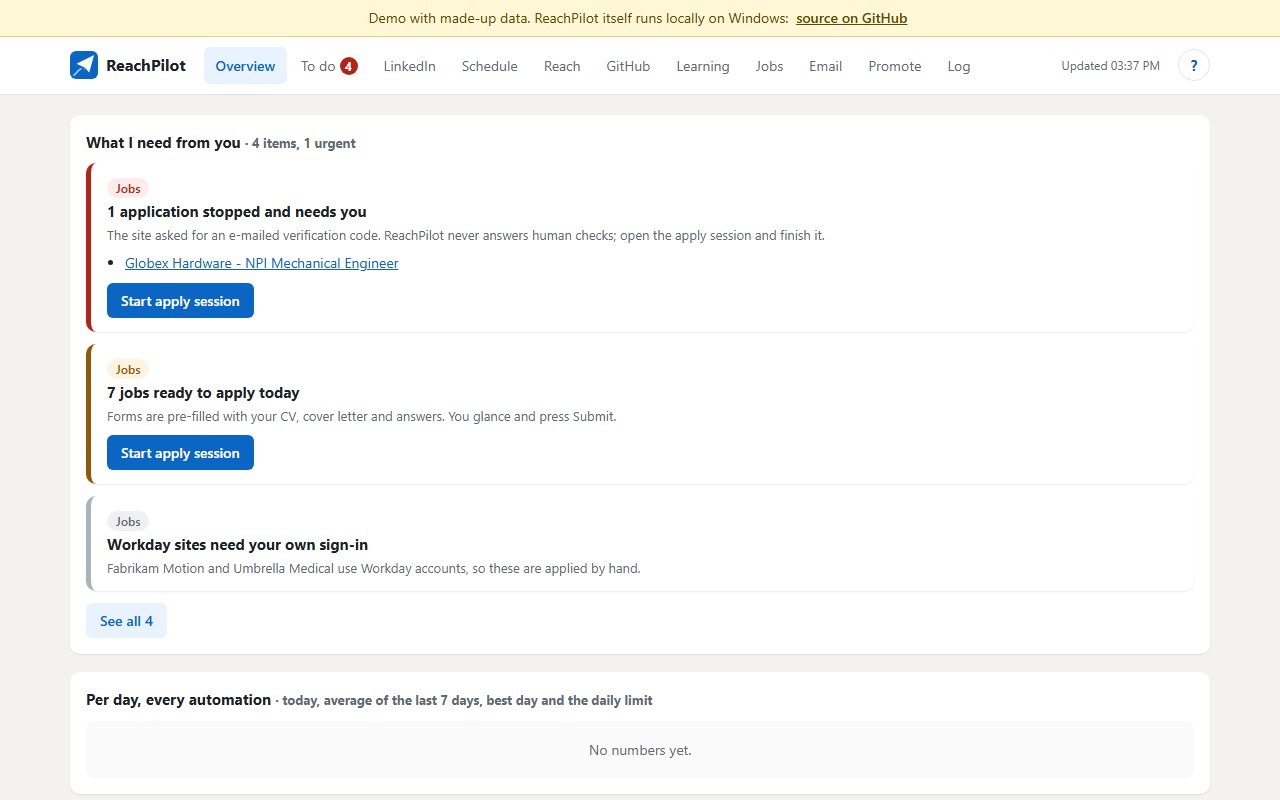
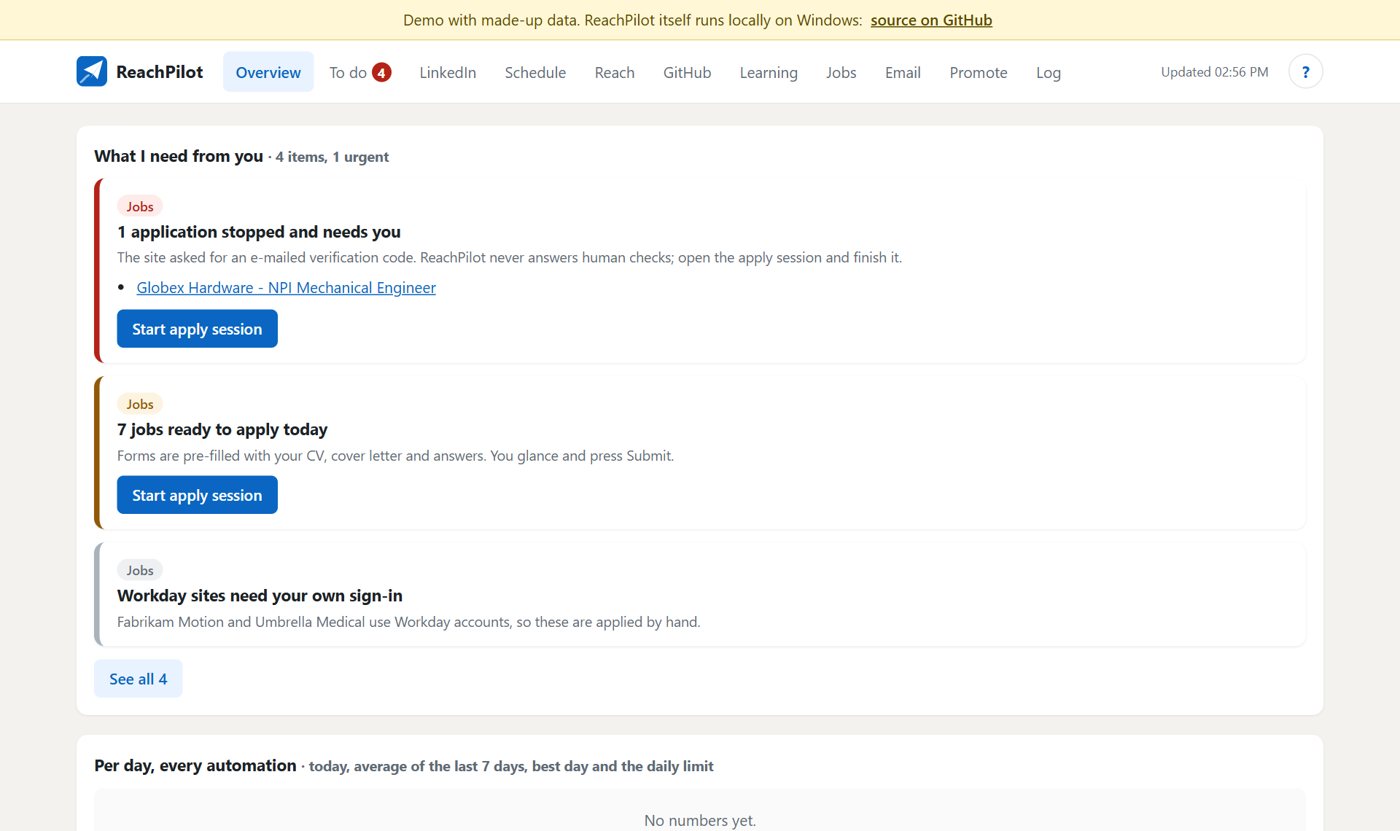
ReachPilot turns your GitHub into a LinkedIn schedule.
Every 30 minutes Windows Task Scheduler runs one pass: it watches your repos, picks what to post in the next slot, writes the post from your README and commits only, adds a fresh screenshot, and posts through LinkedIn's official Share API.
Install Python 3.10+ and the GitHub CLI, then run pip install -r requirements.txt.
Sign in with gh auth login and baseline your repos with python autopilot.py init.
Create a free LinkedIn developer app and connect it with python autopilot.py auth.
Write the next five posts to drafts with python autopilot.py preview 5.
New public repos, new releases and real commit activity, through the gh CLI.
New repo, new release, your own queue, an active-repo update, a top-performer roundup or an older project from a fresh angle.
Posts are written from your README, description, topics and commits. Any number that isn't in the source is rejected.
A fresh screenshot of the live site and the repo page, plus media from the README.
Four angles, a 21-day cooldown per project and a similarity cap against every past post. If nothing fresh qualifies, it skips the slot.
LinkedIn visitors, stars gained in the week after a post and "Try it" clicks feed Thompson sampling.
The local dashboard shows only what needs you: a login about to expire, a failed post, a draft waiting for review.
From the README’s “Quick start (Windows, PowerShell)” section. Full options, requirements and troubleshooting are there too.
Open the README$ git clone https://github.com/juw12/reachpilot; cd reachpilot
$ pip install -r requirements.txt
$ gh auth login
$ python autopilot.py init
$ python autopilot.py auth
$ python autopilot.py preview 5
$ python autopilot.py installStraight from the README, so you know what you're getting before you try it.
32 files in the repo · 17 commits since Nov 2026 · last updated 7 Nov 2026.
Browse the codeLinkedIn autopilot keeps running when gh or Git are unavailable: public GitHub API fallback with 6-hour cache, and Git found outside PATH under Task…
Updater finds Git itself (Task Scheduler runs with a short PATH) (#6)
Updates even when the app is closed: selfupdate.py + scheduled task \ReachPilot\Updates (every 30 min and at sign-in, fast-forward only), shown on…
App updates itself from GitHub: every 30 min it fast-forwards to the newest version when safe (on main, no local edits, nothing unpushed), then…
Dashboard updates itself: restarts in place when its Python code changes (only if the new code imports cleanly) and the open page reloads onto it…
Windows, Python. You can try it in the browser with nothing to install.
The commands in the “Quick start (Windows, PowerShell)” box above come straight from the README. Paste them into a terminal; the README covers options and troubleshooting.
Tokens, post history and drafts live in git-ignored files on your own machine. The dashboard listens on 127.0.0.1 only, and every action needs a per-session token.
Windows only: it relies on Task Scheduler and Microsoft Edge. LinkedIn tokens for self-serve apps last 60 days and must be renewed by signing in again (you get a reminder a week before).
Not yet: it's marked “live” and still changing. The README always has the current state.
The source is public on GitHub under the MIT licence.
Juwen Lie, an R&D mechanical engineer in Batam, Indonesia, as an independent personal project.
Turns your GitHub into a LinkedIn schedule.