Keep your business AI on-mission.
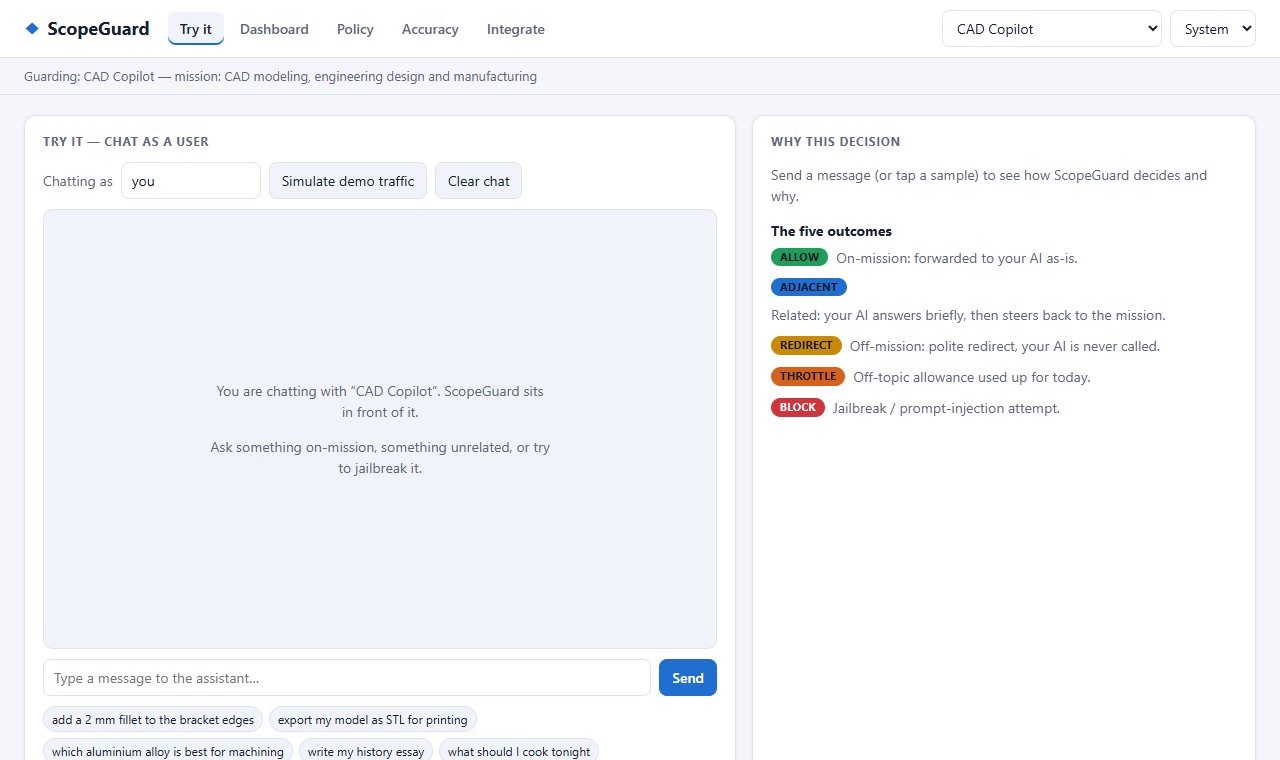
Allows on-topic requests, steers related ones back, redirects off-topic use without calling the LLM and blocks jailbreaks.
What's inside
ScopeGuard in three ideas.
01
Four verdicts
Allow, steer, redirect or block, decided before the LLM is called.
02
Cost dashboard
See the LLM cost avoided and what users really ask for.
03
Browser or server
Try it in the browser; self-host the Python server for production.
Get it
Pick how you want to start.
Questions
Good questions.
Is it free?
Yes. The source is public on GitHub under the MIT licence.
What does it run on?
Web, Self-hosted.
Where do I start?
Open the README for setup and details, or use the buttons at the top of this page.
Is it finished?
Not yet. It's actively being built, so expect changes. The README has the current state.
Who made it?
Juwen Lie, an R&D mechanical engineer in Batam, Indonesia, as an independent personal project.