The Morning Paper · v2.2
Pips
A cute desktop pet that lives on your taskbar — and a Pomodoro widget that turns your day into a score.
⬇ Download for Windows (.zip, free)
📘 User guide (PPT)
Windows 10/11 · needs Python 3 (free).
Unzip, double-click Start Pips.bat, pick your language — done.
New in 2.2.0 (2026-10-28)
- Your pet has a voice! Each of the 23 animals has its own sound (meow, woof, ribbit, hoot, buzz, oink, whale song...) and it changes with its mood: happy chirps, sad whimpers, sleepy yawns, hungry calls, grumpy huffs and soft snores
- It also reacts with sound when you tickle, pet, feed, shake or wake it
- Settings: right-click the pet → Sounds to switch on/off; Pet status & settings has a volume slider, a ▶ Hear me button and "Stay quiet while I'm focusing" (on by default)
Already have Pips 2.1 or newer? It updates itself — right-click your pet → Help → Check for updates. User guide (PowerPoint)
Your desktop pet
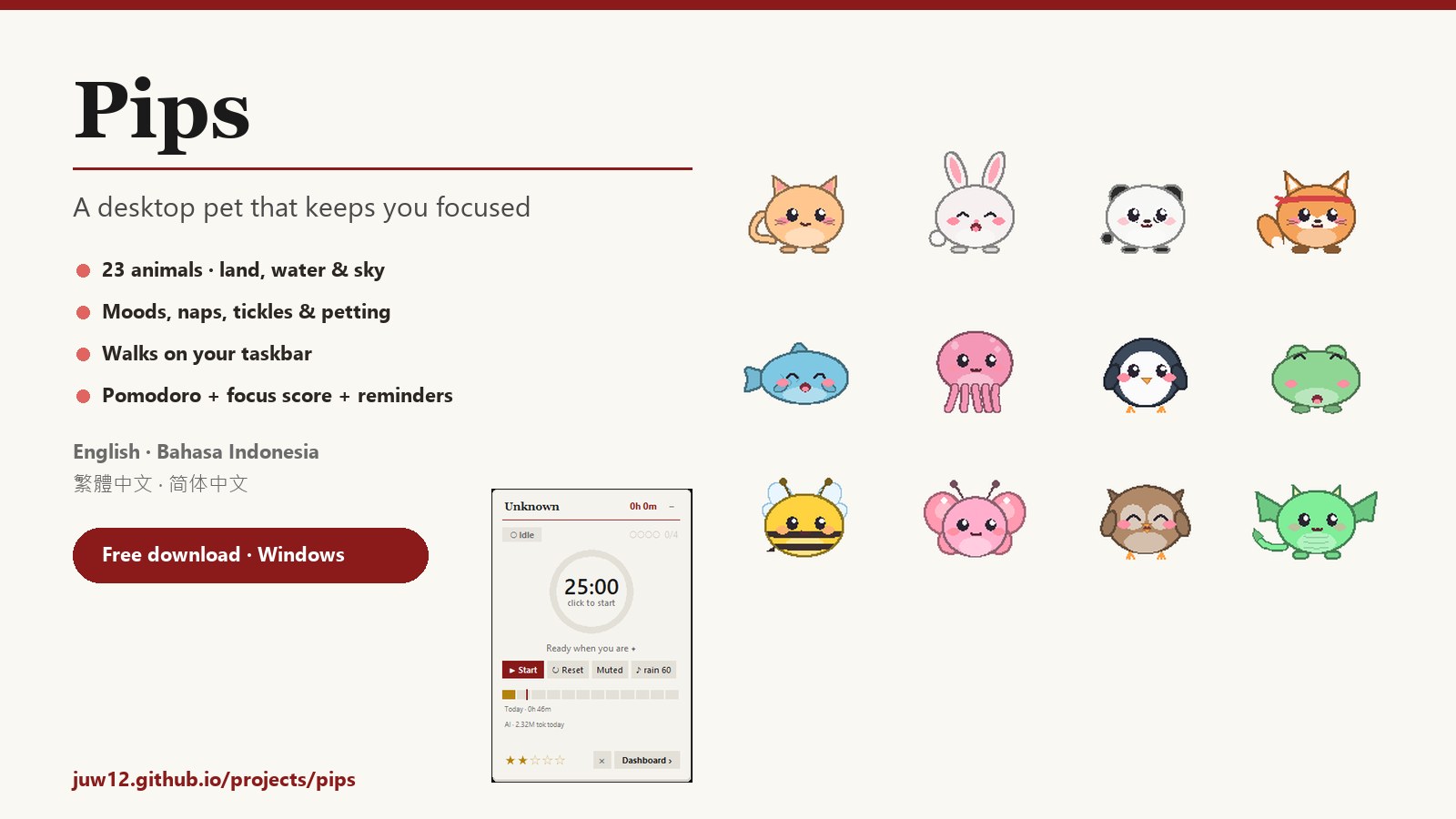
- 23 animals in 3 groups — Land (cat, dog, bunny, bear, panda, fox, hamster, piggy, sprout) walk; Water (fish, whale, octopus, axolotl, penguin, turtle, frog, jellyfish) swim and blow bubbles; Sky (bird, owl, bat, bee, butterfly, dragon) hover and flap their wings.
- Drag it anywhere — drop it on the taskbar and it wanders along it on its own.
- Click to tickle (and open Pips), rub to pet, shake it and it gets dizzy.
- Real moods — happy, sad, tired, hungry, grumpy … it naps when you're away and says “welcome back!”.
- Cute chat bubbles for break, water and eye-rest reminders, finished pomodoros and daily goals.
- Make it yours — any colour, cheek colour, size, name; English, Bahasa Indonesia, 繁體中文, 简体中文.
The widget
- Pomodoro timer — work to short break to long break, auto-starting the next session.
- Soundscapes — rain, thunder, brown noise, cafe and more, generated locally.
- Live app tracking — minutes per app, sampled from the foreground window.
- Daily score — a 1–5 star rating, with goals, streaks, XP, a dashboard and history.
Install
- Download Pips-Windows.zip and unzip it anywhere (e.g.
Documents\Pips). - Double-click
Start Pips.bat. The first start installs two small helpers (pywin32, Pillow). - Choose your language, then click your new pet to open Pips. Right-click it for everything else.
- Optional: run
install_autostart.ps1to start Pips with Windows.
Everything stays on your PC — no account, nothing uploaded.