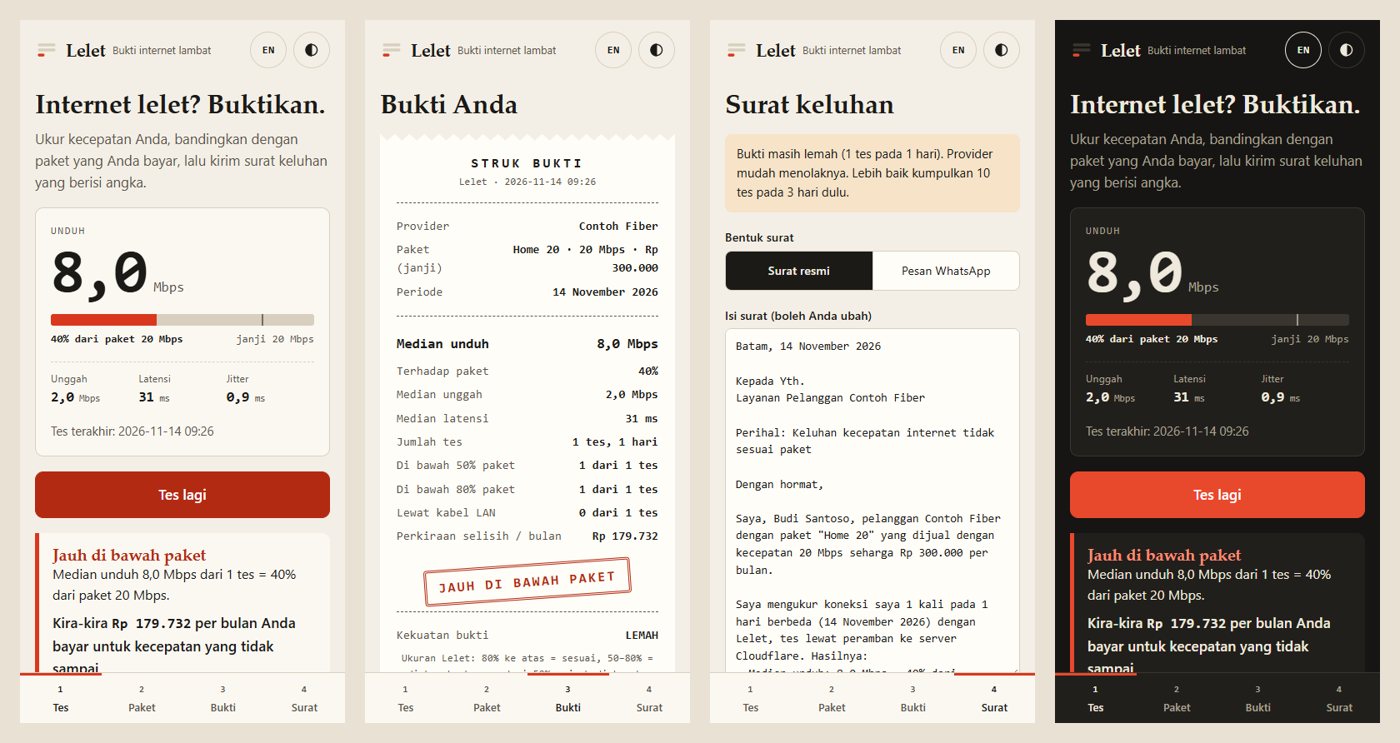
A test sized for small quotas
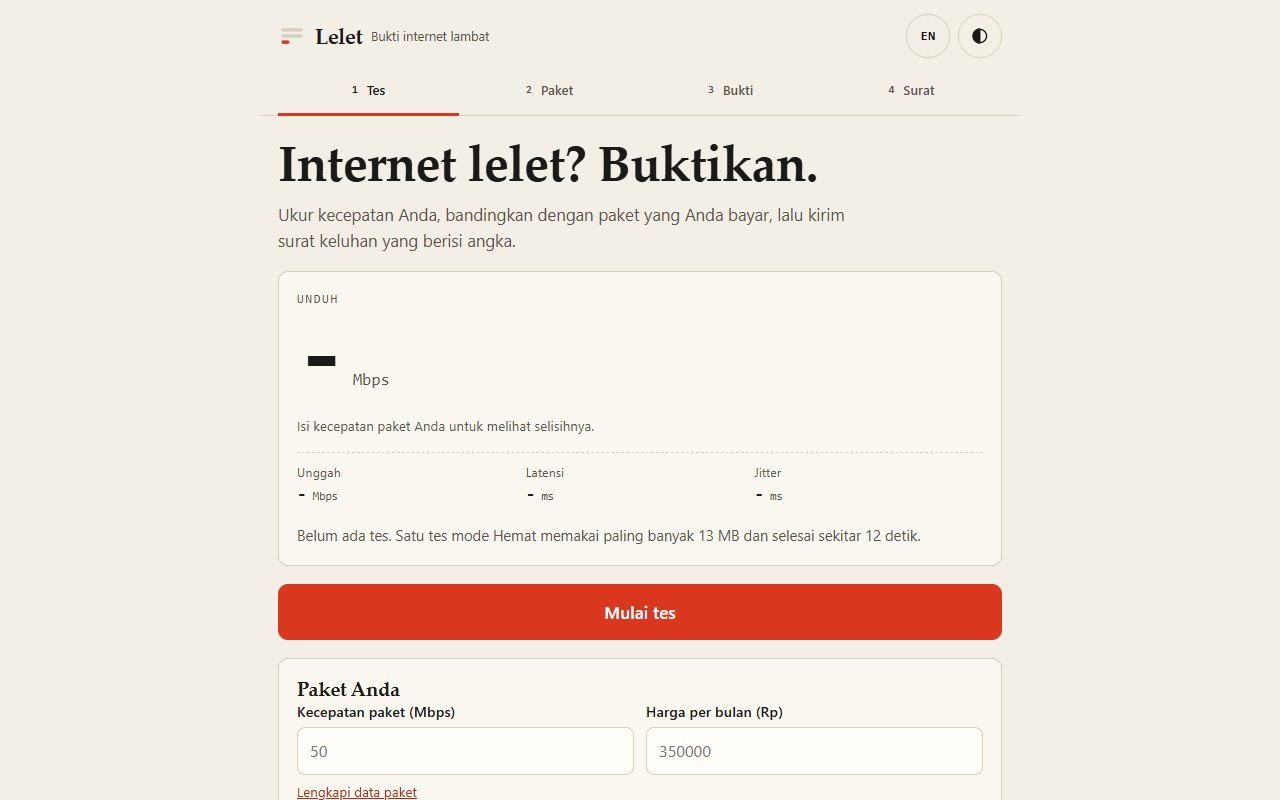
A "Hemat" test takes under 20 seconds and at most about 13 MB of data. Normal and Penuh modes are there for faster plans.
Measure your speed, compare it with the plan you pay for, and get a ready-to-send complaint letter with the numbers in it. Free, no account, your data stays on your device.
One slow test is easy for a provider to wave away.
Lelet keeps every test, compares the median with your plan, shows how strong your case is, and writes the complaint for you.
Press the start button. Repeat on different days and at different hours.
Type the speed your provider sold you (Mbps) and what you pay per month.
Watch the checklist fill up: 10 tests, 3 days, 3 at peak hours and 3 outside them.
Copy the letter, send it yourself, then mark it as sent so the deadline count starts.
A "Hemat" test takes under 20 seconds and at most about 13 MB of data. Normal and Penuh modes are there for faster plans.
Type the speed your provider sold you and what you pay per month. Lelet compares the median of your tests with it: 80% or more matches the plan, under 50% is far below. This is Lelet's own rule, not a legal threshold.
The Bukti screen shows what is still missing: 10 tests, 3 days, 3 tests at peak hours (18.00-22.59) and 3 outside them.
Copy the formal letter or the short WhatsApp version and send it to your provider's customer service. Print or save as PDF from the same page.
Enter the date you sent the letter and the ticket number. Lelet counts 7 working days, Monday to Friday, leaves out Indonesia's national holidays for 2026 and 2027, and offers a calendar reminder for the deadline. If nothing is fixed by then, it writes a second letter to Komdigi's complaint service with a copy to the provider.
Price times the share of speed you did not get: an estimate of what you paid for and did not receive. It is labelled as an estimate everywhere it appears.
Installs to the home screen and opens offline. Press "Lihat contoh" to see the receipt and the letter with sample data first.
From the README’s “Run it yourself” section. Full options, requirements and troubleshooting are there too.
Open the README$ python -m http.server 8080Straight from the README, so you know what you're getting before you try it.
24 files in the repo · last updated 14 Nov 2026.
Browse the codeFeat: track the sent letter, count 7 working days, write the second letter
Add live check for the published page
Speed proof and complaint letter (PWA, Indonesian + English)
Web, PWA. You can try it in the browser with nothing to install.
The commands in the “Run it yourself” box above come straight from the README. Paste them into a terminal; the README covers options and troubleshooting.
No account, no backend, no cookies, no third-party scripts or fonts, and your tests, plan and letter dates are kept only in your browser's localStorage. The test traffic goes to Cloudflare, which sees your IP address like any site you visit.
Download uses 3 parallel streams from Cloudflare's public speed-test endpoint, leaves out the ramp-up (up to 1 second) and averages the rest.
No. Lelet does not send anything and cannot see whether the provider answered.
Law No. 8 of 1999 on Consumer Protection: Article 4 letters c, d and h, Article 7 letter g and Article 19 paragraph (1).
This is not an official measurement and not legal advice. A browser test measures the whole path: your device, your Wi-Fi, your router and the provider.
Not yet: it's marked “live” and still changing. The README always has the current state.
Slow internet? Prove it.