The app in front goes first
The app you are using is never touched, together with everything it started and the app that started it.
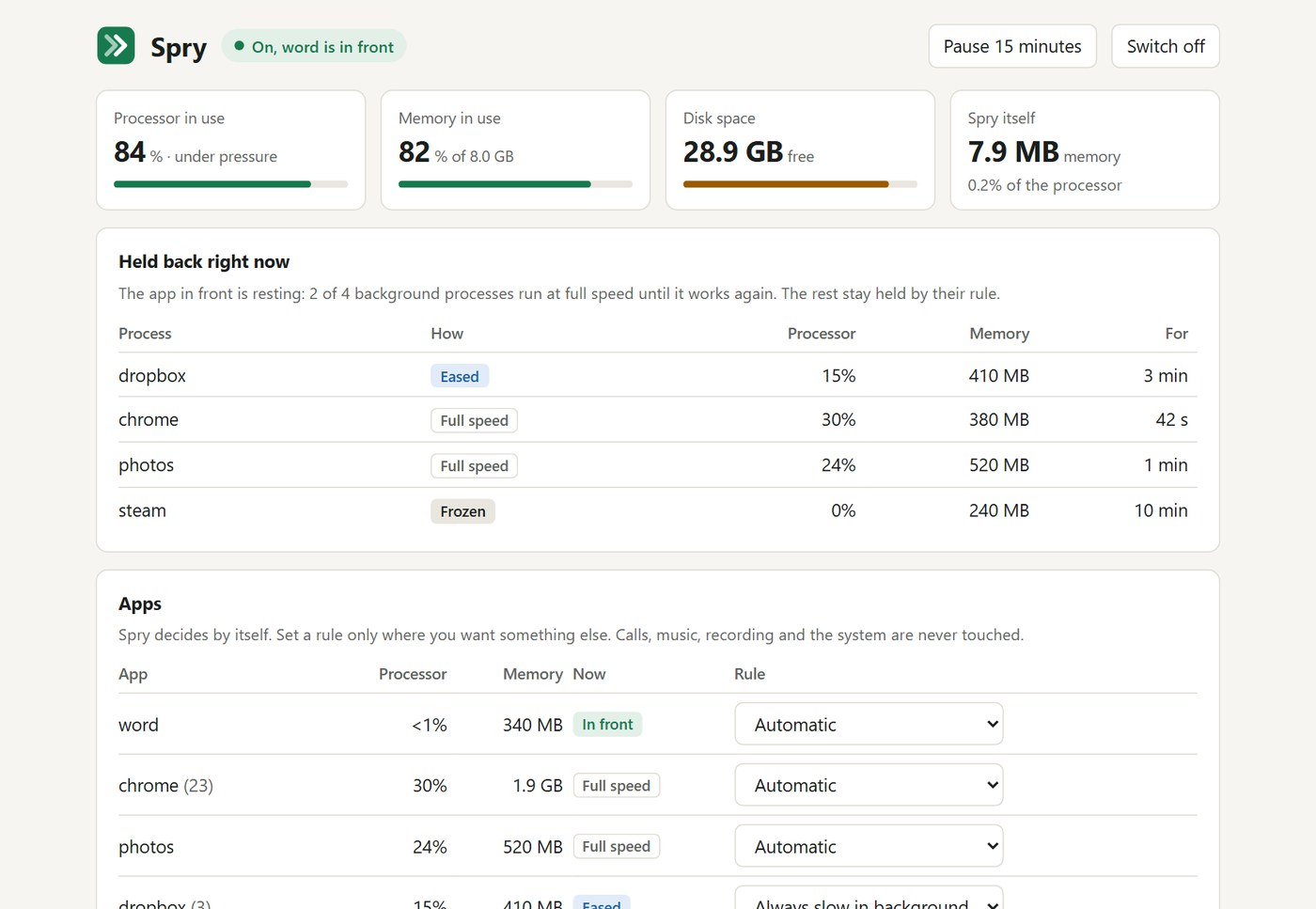
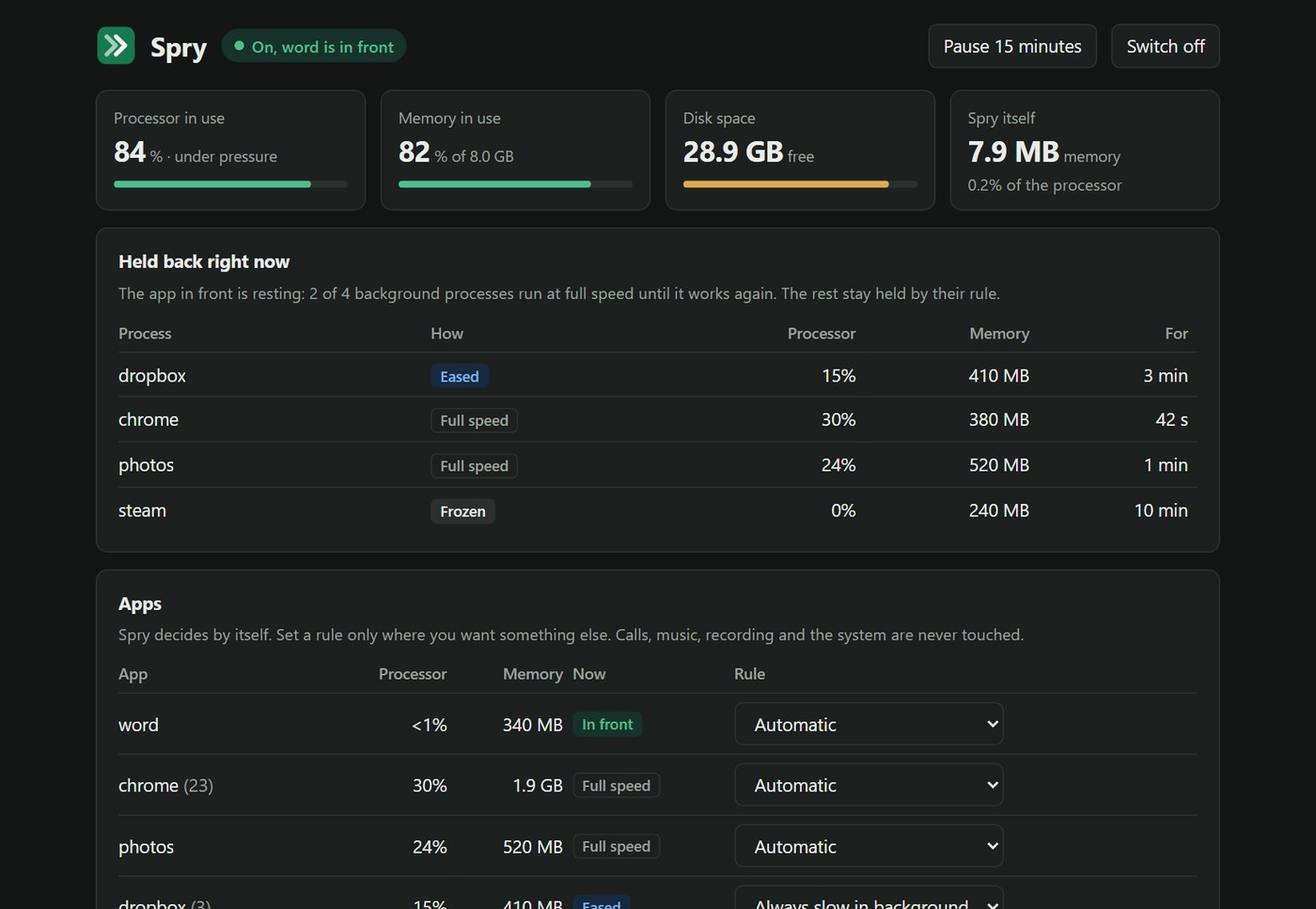
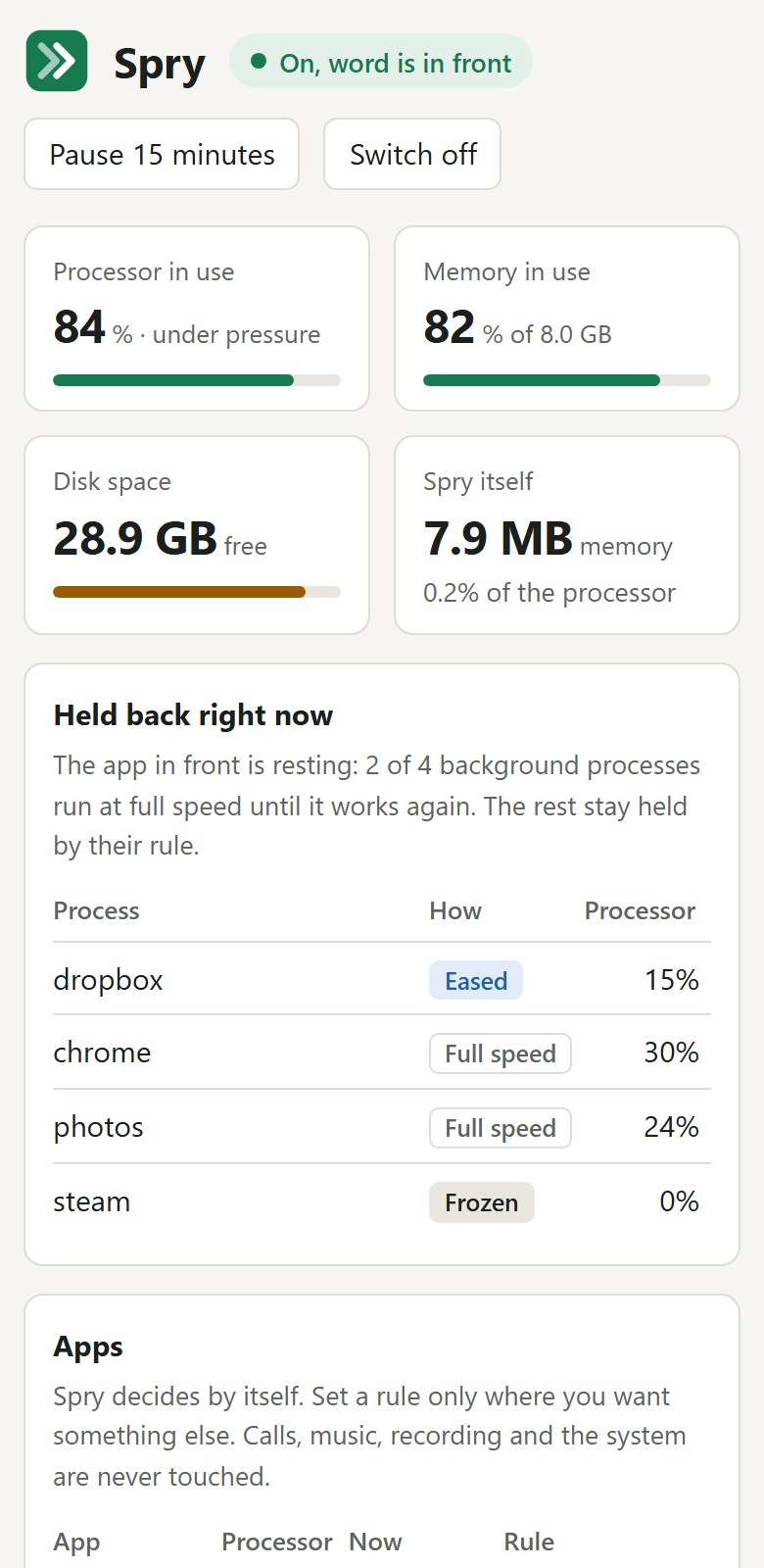
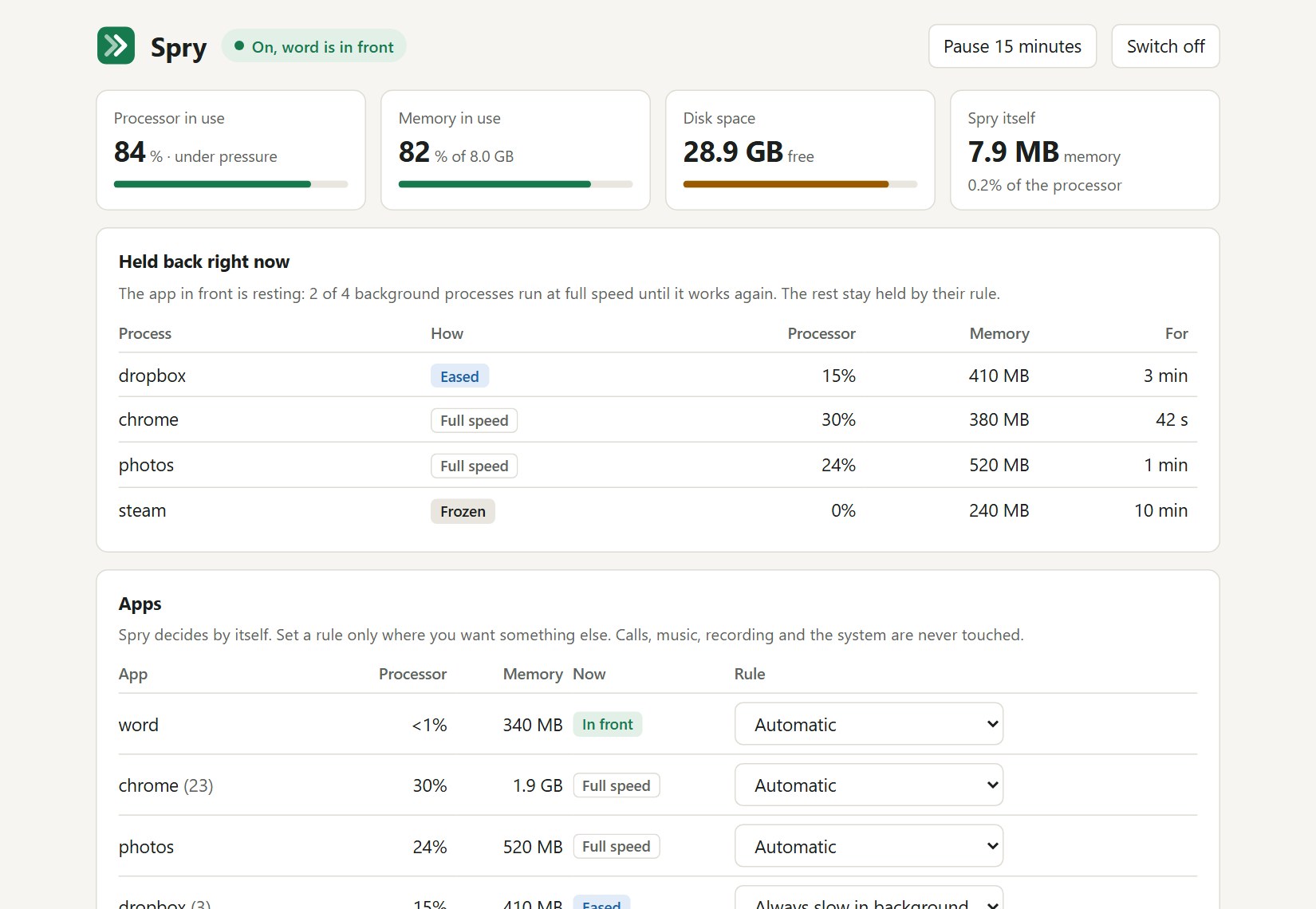
Spry watches which app you are using and holds the busy apps behind it back, so the one in front gets the processor. While the app in front rests, the others get the processor back. When Spry stops, everything is exactly as it was.
It is one small program for Windows, macOS and Linux.
It does not add memory or make the processor faster.
The app you are using is never touched, together with everything it started and the app that started it.
Busy background apps wait only while the app in front is working. When it has rested for 6 seconds they get the whole processor back, and the hold returns when it works again.
Pause Spry, switch it off or quit it, and every app is exactly as it was. After a crash, the next start puts them back.
Every half second Spry asks the system which app is in front.
A background app that uses more than 10% of one processor core is eased.
When the app in front and everything it started have used less than 5% of one processor core for 6 seconds, the held apps get the whole processor back.
When you switch apps, it switches with you: the new app in front gets full speed at once.
After the first start Spry opens its page in your browser and works at once. It sits in the tray on Windows or the menu bar on macOS.
While the app in front rests, held apps ran at 99% to 100% of their free speed on the test machines. On a real, busy Windows PC version 0.3.0 gave them only 38% to 51%; 0.3.1 fixed that and measured 99% and 106% on the same PC.
Never slow, always slow in the background, or freeze in the background: fully paused until you switch back to it.
When the whole processor is above 80% for 4 seconds, eased apps on Windows and Linux stay off part of the processor (about a quarter of the threads), so the app in front always finds a free one. Strong mode, off until you tick it, also pulses the heaviest background processes (120 ms paused, 80 ms running).
Calls, music, recording and the desktop are on a built-in never-touched list, and every program that lives in a system folder is skipped whatever its name.
Press Measure now on the page (under a minute), or run spry bench. The README shows the results from GitHub's test machines and from one real, busy PC, weak ones included, next to those of the versions before.
Storage cleaning shows what it found and removes nothing until you choose. It only looks at caches, temporary files and the bin.
Download spry-windows-x64.zip, drag spry.exe to a folder you keep and double-click it.
Open Terminal, paste the install line and press Return.
The same line as macOS. Spry sees the app in front on X11 and, on Wayland, under sway (Hyprland and niri are written but not yet tried on a real session).
From the README’s “Install on macOS or Linux” section. Full options, requirements and troubleshooting are there too.
Open the README$ curl -fsSL https://raw.githubusercontent.com/juw12/spry/main/install.sh | shStraight from the README, so you know what you're getting before you try it.
119 files in the repo · 17 commits since Nov 2026 · last updated 19 Nov 2026.
Browse the codeInstall check prints which commit and workflow built each download
The app in front is seen on Wayland under sway, Hyprland and niri; downloads carry a checksum and a build record, and the installers check it; Linux…
Under pressure part of the processor is kept free for the app in front (Windows, Linux); reaction time measured from the click; bench can run on N…
0.1.1: programs that live in a system folder are never touched, whatever their name; install check reports what Spry itself costs
Install.sh starts Spry when it is done; a workflow runs both install scripts on every system
Windows, macOS, Linux.
The commands in the “Install on macOS or Linux” box above come straight from the README. Paste them into a terminal; the README covers options and troubleshooting.
No account and no internet connection needed. The page is served on 127.0.0.1 only and needs a secret token that is created on your computer.
It does not add memory or make the processor faster.
Only while the app in front is working.
Every app is put back at that moment.
It does not add memory or make the processor faster. While the app in front really works, the others wait: about half their speed on the test machines, and almost nothing in the test on a busy real PC.
Yes. The source is public on GitHub under the MIT licence.
Keeps an old computer quick