Updates, results and pictures
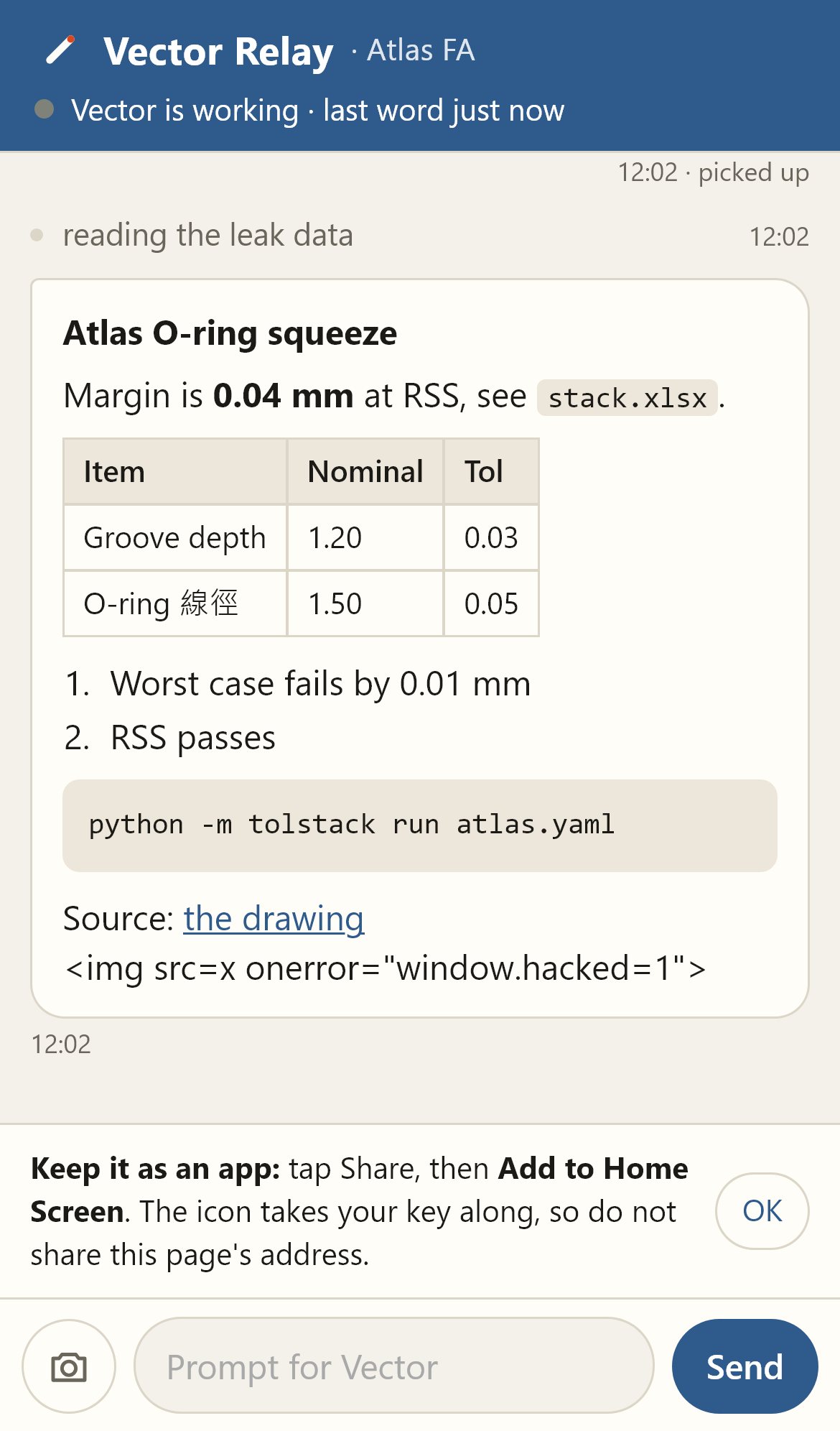
A chat posts them to your phone while it works. A result keeps its tables, lists and code blocks.
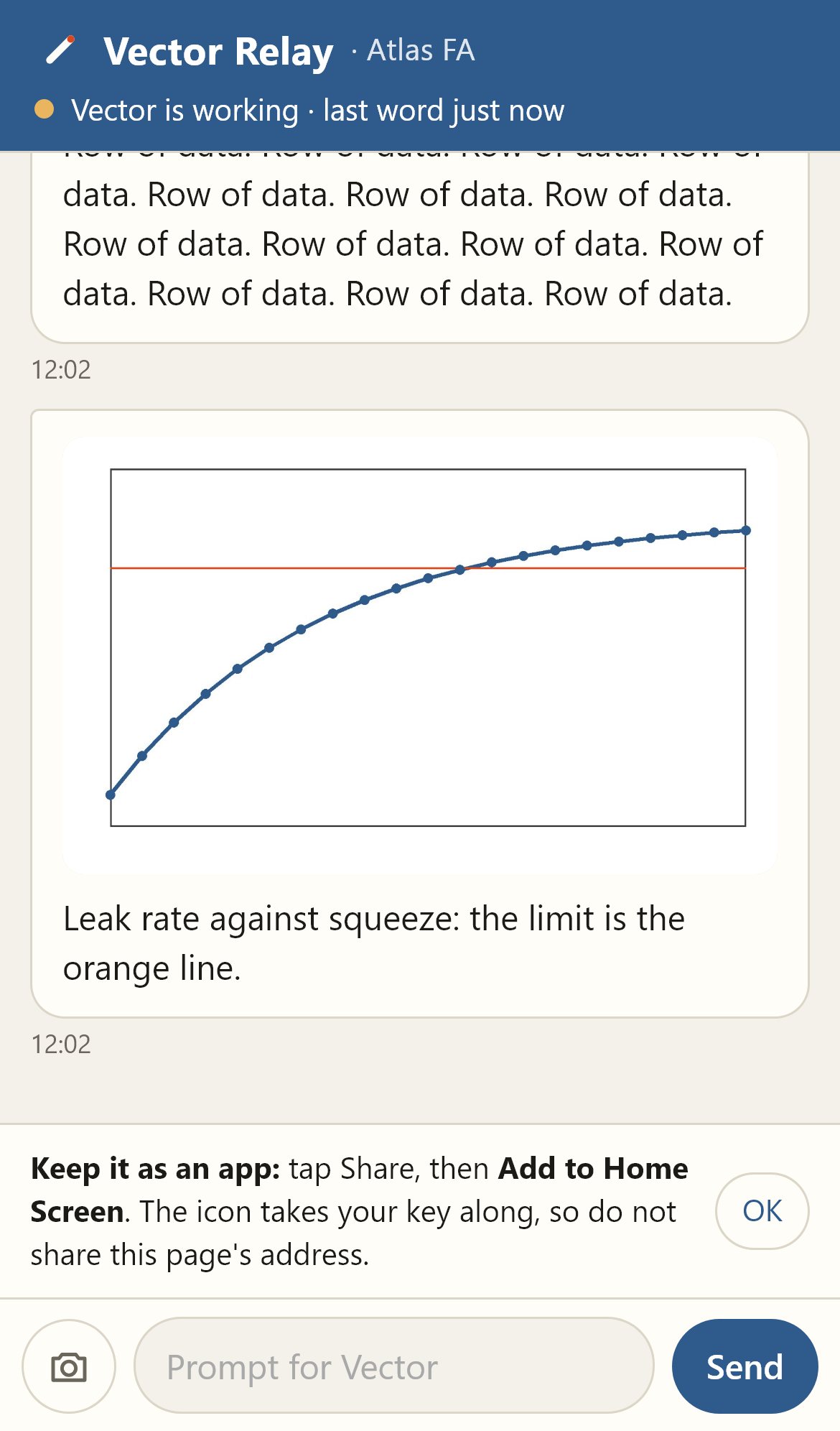
A chat posts its updates, results and pictures to your phone, and you send it the next prompt. From anywhere: the phone needs the internet, not your Wi-Fi.
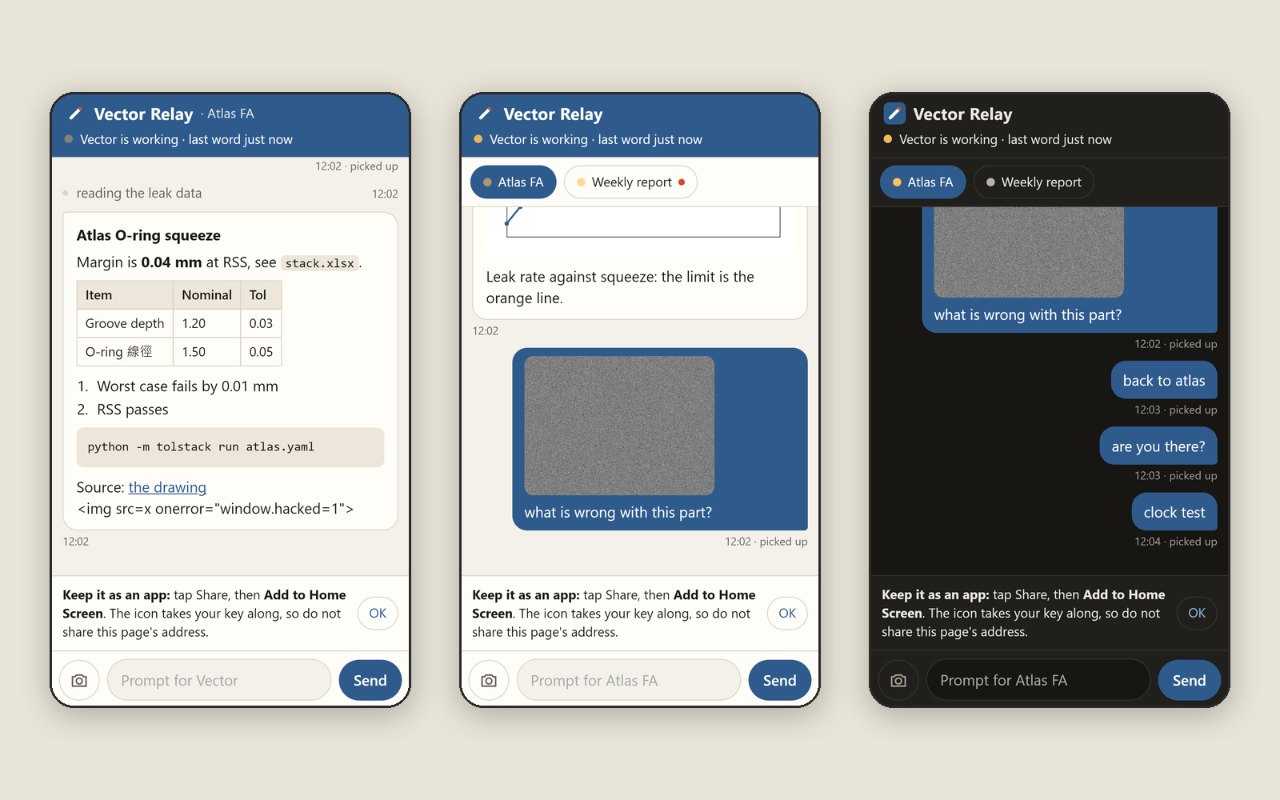
Vector Relay shows the AI chats on your PC on your phone.
It works from anywhere: the phone needs the internet, not your Wi-Fi.
From the README’s “On the PC” section. Full options, requirements and troubleshooting are there too.
Open the README$ pip install cryptography segno pillow
$ python vector_relay.py pair --open
$
# then, in a chat on the PC:
$ /phonePython 3.10 or newer, then pip install cryptography segno pillow.
python vector_relay.py pair --open.
On the iPhone: Share, then Add to Home Screen.
In a chat on the PC, type /phone (with the skill installed).
A chat posts them to your phone while it works. A result keeps its tables, lists and code blocks.
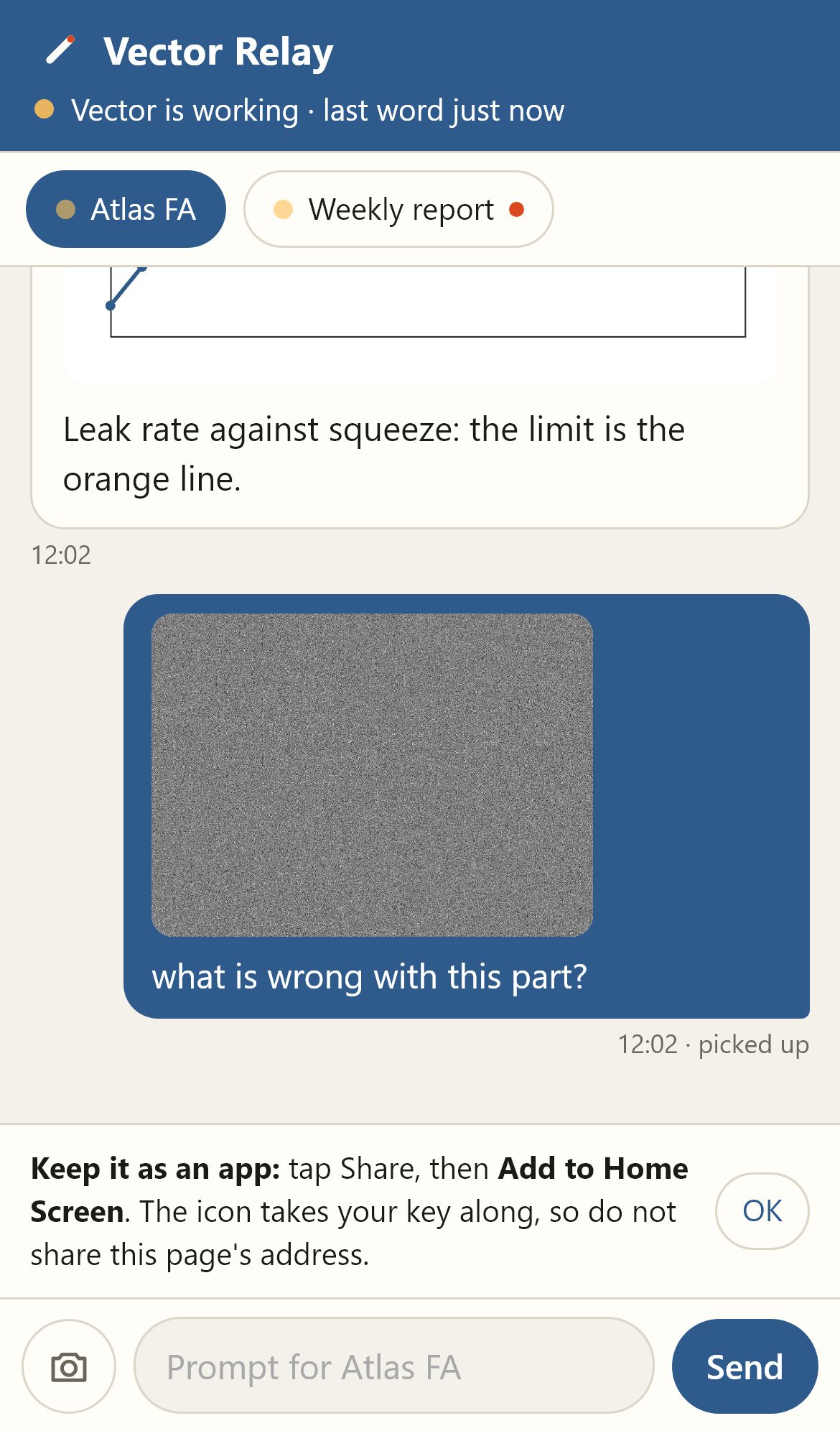
Type it on the phone, with a photo if you like. The chat on the PC picks it up and carries it out.
Each chat in phone mode is a chip at the top of the page. Tap one to read it and to send to it. A chip gets an orange mark when its chat said something new.
Waiting costs the chat nothing. There is no time limit on phone mode.
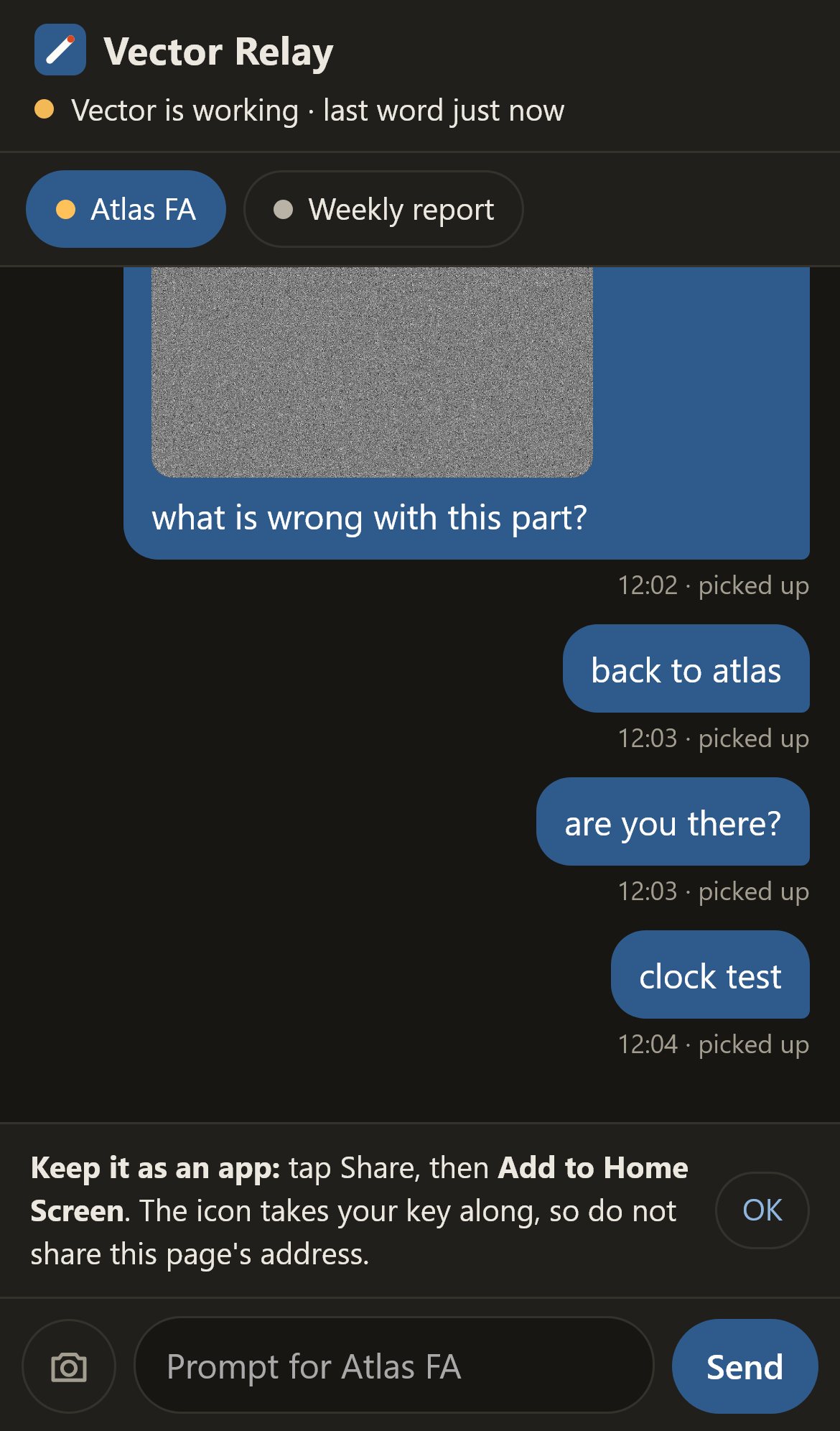
In plain words: Vector is working, Vector is waiting for your prompt, Your PC does not answer.
It is a web page, kept on the iPhone Home Screen. Nothing to install from a store.
A prompt reaches the PC only when the phone shows it as picked up. One marked not sent is never carried out later by itself; tap Try again.
Straight from the README, so you know what you're getting before you try it.
24 files in the repo · last updated 19 Nov 2026.
Browse the codeRun log and an overview picture
Hand the command to a Python that has the packages; say that the phone does not ring
See AI chats on the PC from the phone and send the next prompt, from anywhere
Phone page, Python.
The commands in the “On the PC” box above come straight from the README. Paste them into a terminal; the README covers options and troubleshooting.
The key is made on the PC and reaches the phone only inside the QR code, after the # of the address, which a browser sends to no server. The relay stores sealed text it cannot read.
A chat must be put in phone mode at the PC first. The PC must stay on and awake, with the chat app open.
The source is public on GitHub under the MIT licence.
Juwen Lie, an R&D mechanical engineer in Batam, Indonesia, as an independent personal project.
See the AI chats on your PC from your phone