No colour is made up
The build stops if a colour is not in the project's CSS or on its rendered page. Derived values are labelled with the rule used.
Named themes read out of my own projects. One CSS file and one JSON file each, with where every colour came from. Pull one in a line.
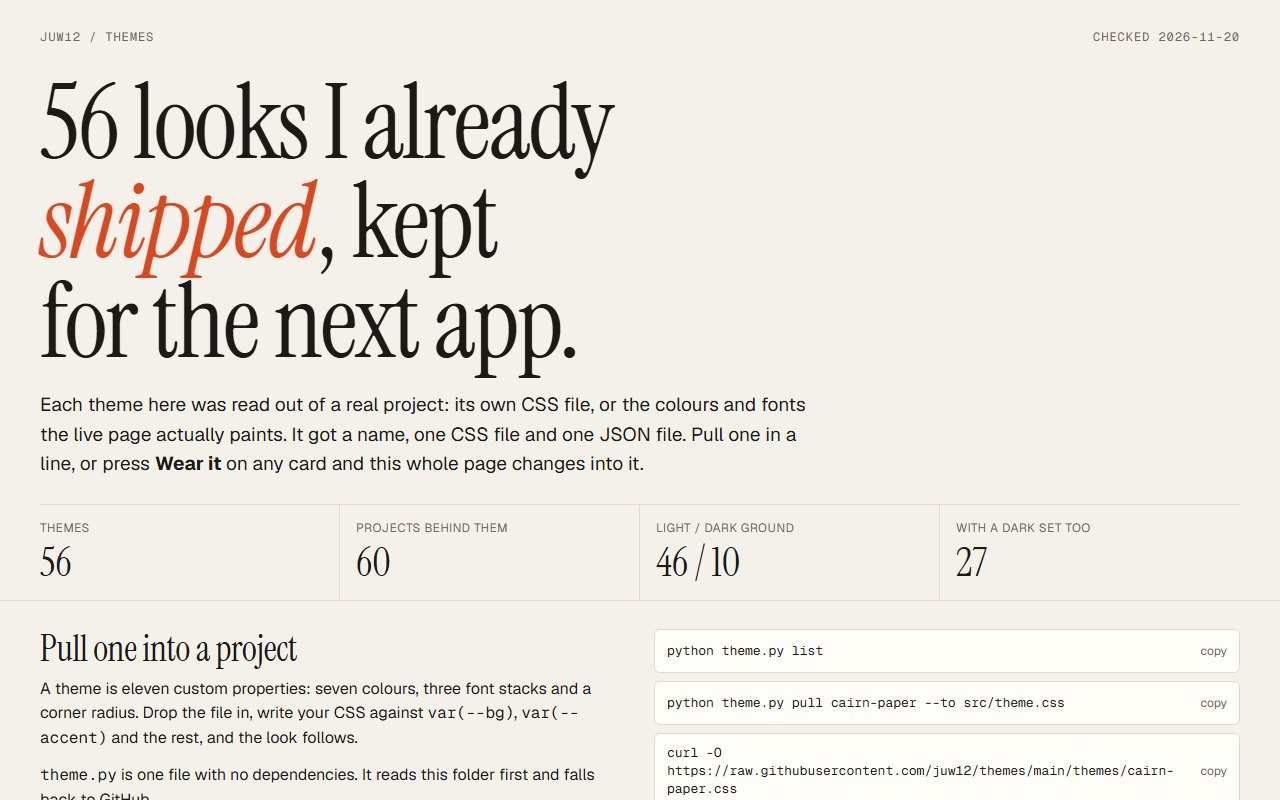
56 named themes, read out of projects I already shipped, kept in one place so the next app can start from a look that is known to work.
A theme is eleven CSS custom properties: seven colours, three font stacks and a corner radius.
The build stops if a colour is not in the project's CSS or on its rendered page. Derived values are labelled with the rule used.
theme.py is one file with no dependencies. It reads the themes folder next to it and falls back to the repo on GitHub.
Wear it re-dresses the gallery in a theme. The starter app does the same for a working screen with a list, a form and a table.
Open the gallery and press Wear it on a few cards until one fits.
Run python theme.py pull <id> --to src/theme.css in the new project.
Write the app's CSS against var(--bg), var(--accent) and the rest.
46 on a light ground and 10 on a dark one. 27 carry a dark set as well. Projects that share one look are merged into one theme.
Seven colours (bg, surface, ink, muted, line, accent, accent-ink), three font stacks (display, body, mono) and one corner radius.
Every value is traced to the project's own CSS or to what its live page paints. A hand fix needs a written reason, and the reason is shown on the theme's card.
WCAG 2 ratios are calculated for each theme, and text contrast under 4.5:1 is flagged as a warning instead of hidden.
theme.py pull <id> --design-md writes a design brief built from the theme, to hand to an AI or a teammate.
One HTML page and one stylesheet that use nothing but the eleven tokens. The repo is a GitHub template, so Use this template gives the starter plus every theme.
TEMPLATES.md lists 40 well-known public repos to start an app's design from, with stars, licence and last push read from the GitHub API on 2026-11-20.
From the README’s “Pull a theme” section. Full options, requirements and troubleshooting are there too.
Open the README$ curl -O https://raw.githubusercontent.com/juw12/themes/main/theme.py
$ python theme.py list
$ python theme.py pull cairn-paper --to src/theme.cssStraight from the README, so you know what you're getting before you try it.
Web, CSS, Python. You can try it in the browser with nothing to install.
The commands in the “Pull a theme” box above come straight from the README. Paste them into a terminal; the README covers options and troubleshooting.
A theme is colour, type and corner radius. Fonts are named, not shipped.
The source is public on GitHub under the MIT licence.
Juwen Lie, an R&D mechanical engineer in Batam, Indonesia, as an independent personal project.
56 looks I already shipped, kept for the next app