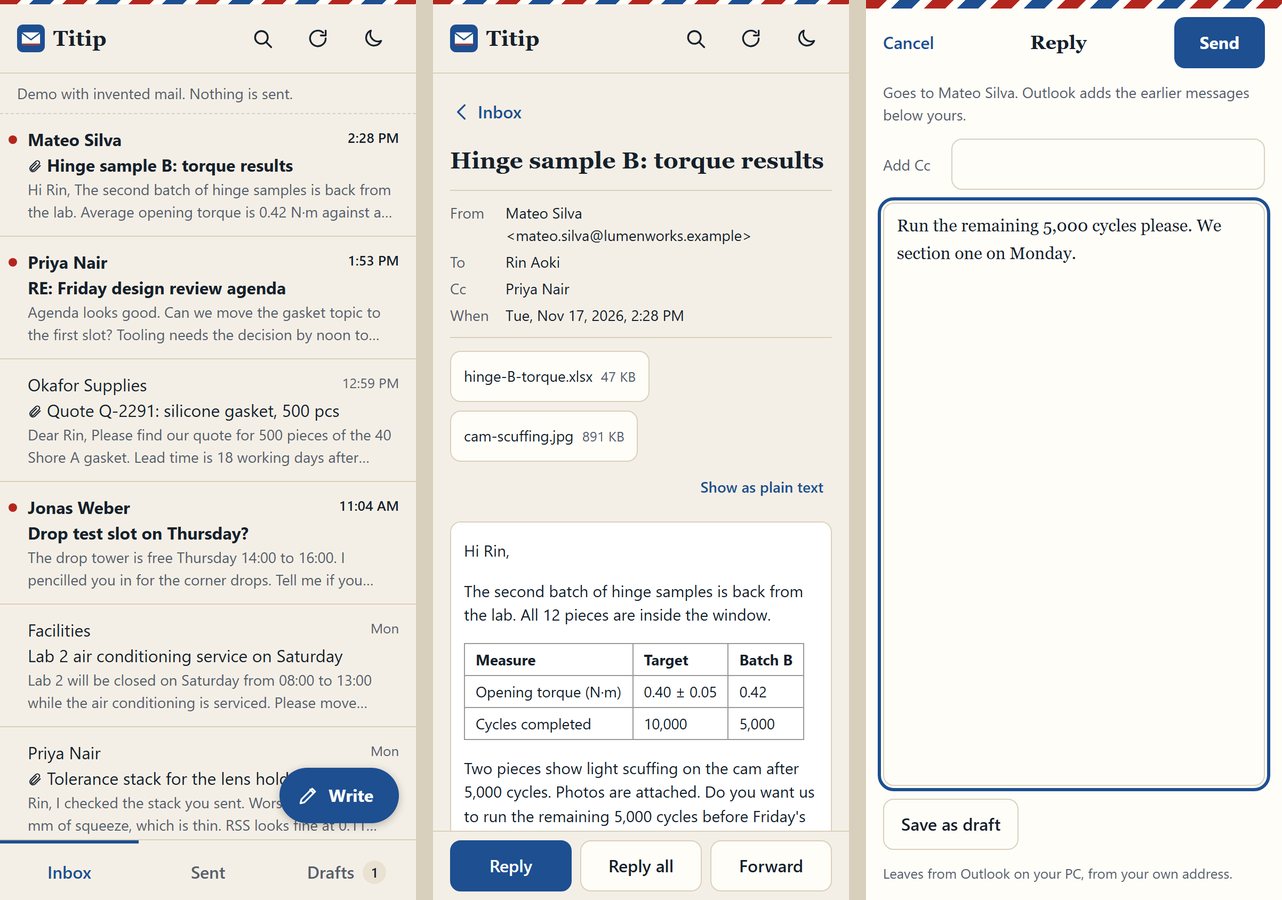
Inbox, Sent and Drafts
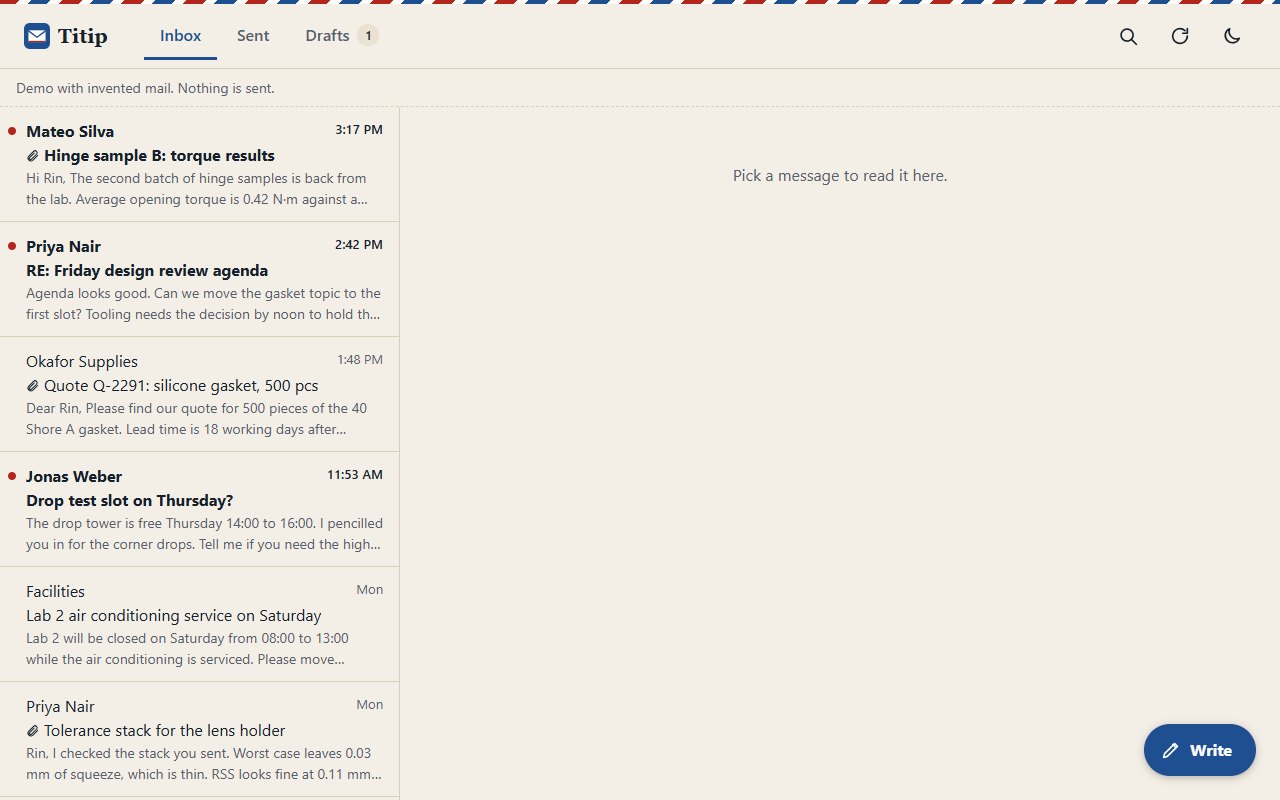
Shows mail from the classic Outlook desktop app, newest first, including mail that rules or archivers moved into .pst data files. Unread mail carries a red dot.
Read, answer and write your Outlook mail from your phone. Your own PC serves it.
Titip is Indonesian for leaving something with someone to pass on.
It stores no password and no mail.
The QR code holds a random code that works once, for five minutes.
The phone trades the code for a random device cookie (HttpOnly, SameSite=Strict, Secure).
A phone without that cookie gets one page: "scan the QR code".
Unpair all phones on the PC page, or python -m titip unpair, cuts every phone off at once.
Shows mail from the classic Outlook desktop app, newest first, including mail that rules or archivers moved into .pst data files. Unread mail carries a red dot.
Opens a message with its formatting in a frame that cannot run scripts or load remote pictures, or as plain text. Attachments download to the phone.
Outlook adds the earlier thread. There is no automatic signature: type it, or keep it in a draft.
Every send waits 5 seconds behind an Undo button. Save as draft puts it in Outlook's Drafts. If a send fails, the message comes back with your text and the reason.
Search by subject or person. Light and dark. Works as a home-screen app.
While Outlook is busy with something else, the phone says so and keeps asking for up to a minute. Only reading is asked again. A send is never repeated.
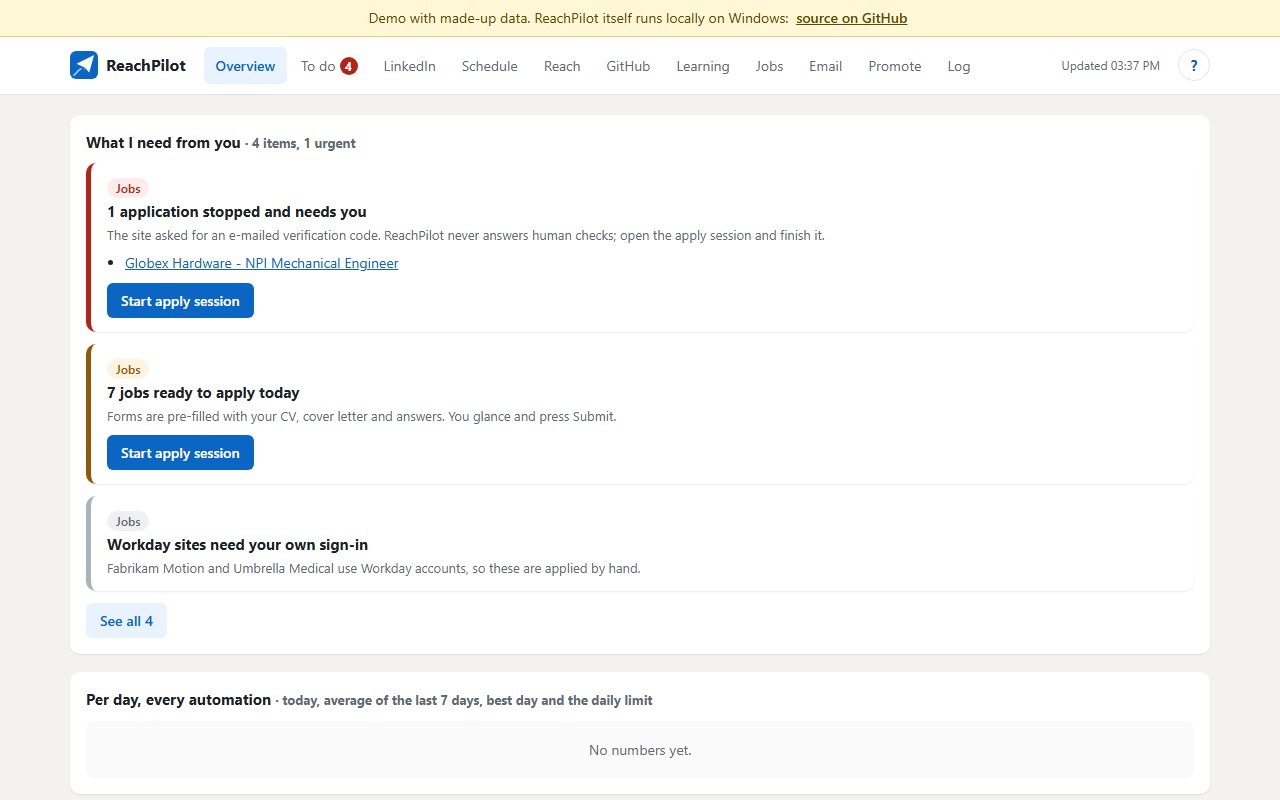
Off until you switch it on. Every 10 minutes it looks at new mail in the Primary tab of the Gmail that Chrome is signed in to. It sends only a short answer that promises nothing, keeps anything about money, a contract, a code or personal papers for you with a draft, and leaves newsletters and receipts alone.
The Autopilot page can be opened from mobile data through a small relay you run yourself. The PC and the phone encrypt for each other with a key that only travels inside the QR code. The relay holds ciphertext it cannot read.
From the README’s “Start” section. Full options, requirements and troubleshooting are there too.
Open the README$ git clone https://github.com/juw12/titip
$ cd titip
$ pip install -r requirements.txt
$ python -m titipStraight from the README, so you know what you're getting before you try it.
59 files in the repo · last updated 17 Nov 2026.
Browse the codeAutopilot for Gmail, visible and steerable from any network (#1)
Keep asking while Outlook is busy, stay at normal priority, show the subject while a message opens
Unread marks from Outlook, clear send states, notices above Write, desktop reply bar
Outlook inbox, reply and compose from a paired phone
Windows, Python. You can try it in the browser with nothing to install.
The commands in the “Start” box above come straight from the README. Paste them into a terminal; the README covers options and troubleshooting.
Anyone holding a paired, unlocked phone can read and send your mail. Check your employer's rules.
That is expected the first time.
scripts/install.ps1 adds a Desktop shortcut and starts Titip quietly when you sign in to Windows.
Yes. python -m titip --demo serves invented mail instead of Outlook, safe to show around.
Classic Outlook on Windows only. The PC must be on, awake and running Outlook.
Not yet: it's marked “live” and still changing. The README always has the current state.
Your Outlook mail on your phone