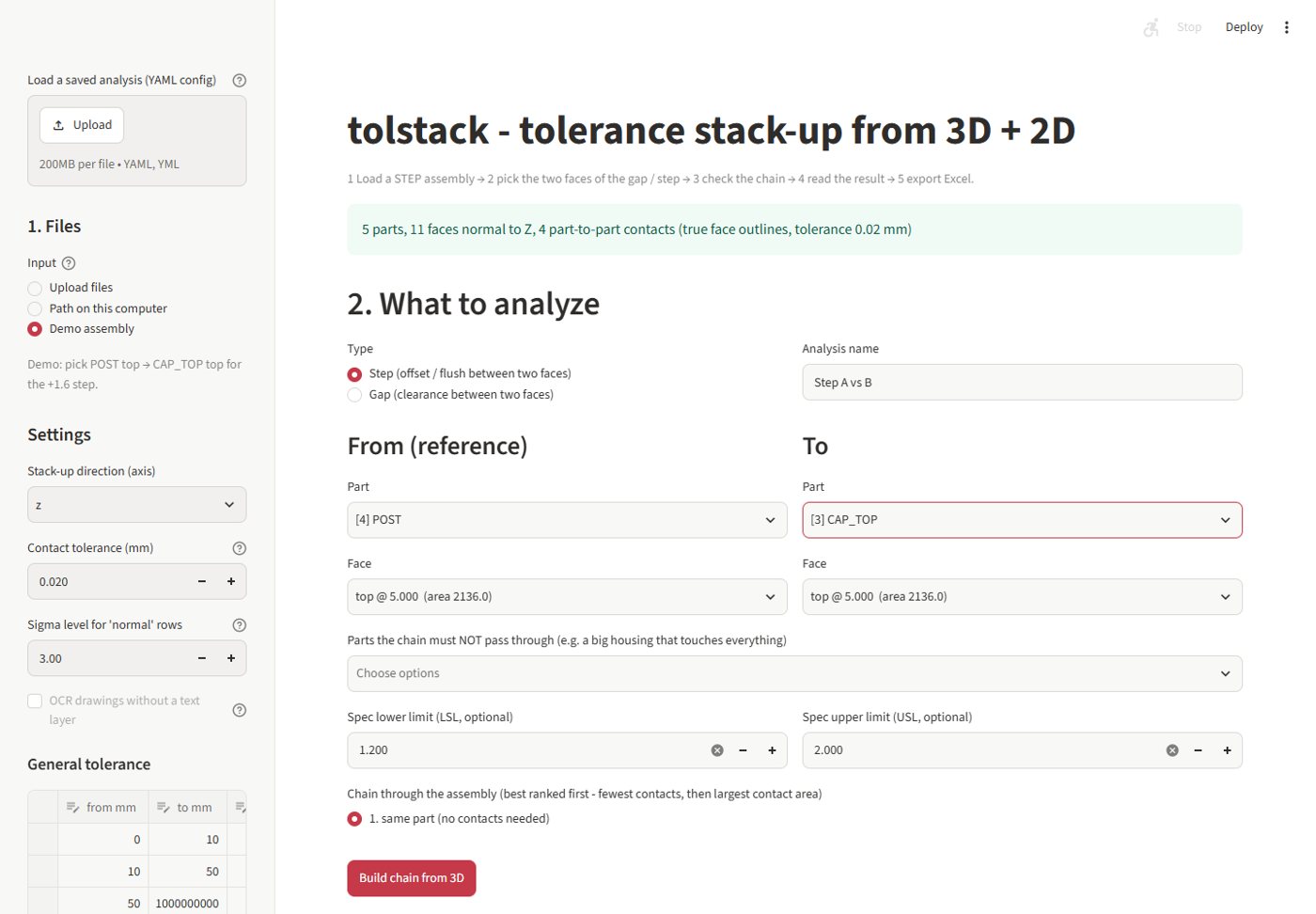
Reads the STEP assembly
Every part, its name and its planar faces along the stack-up axis (X, Y or Z).
Pick a gap or step between two faces of a STEP assembly; tolstack finds the chain of parts, reads tolerances from your 2D drawings and writes worst case, RSS, Cp/Cpk and Monte Carlo results.
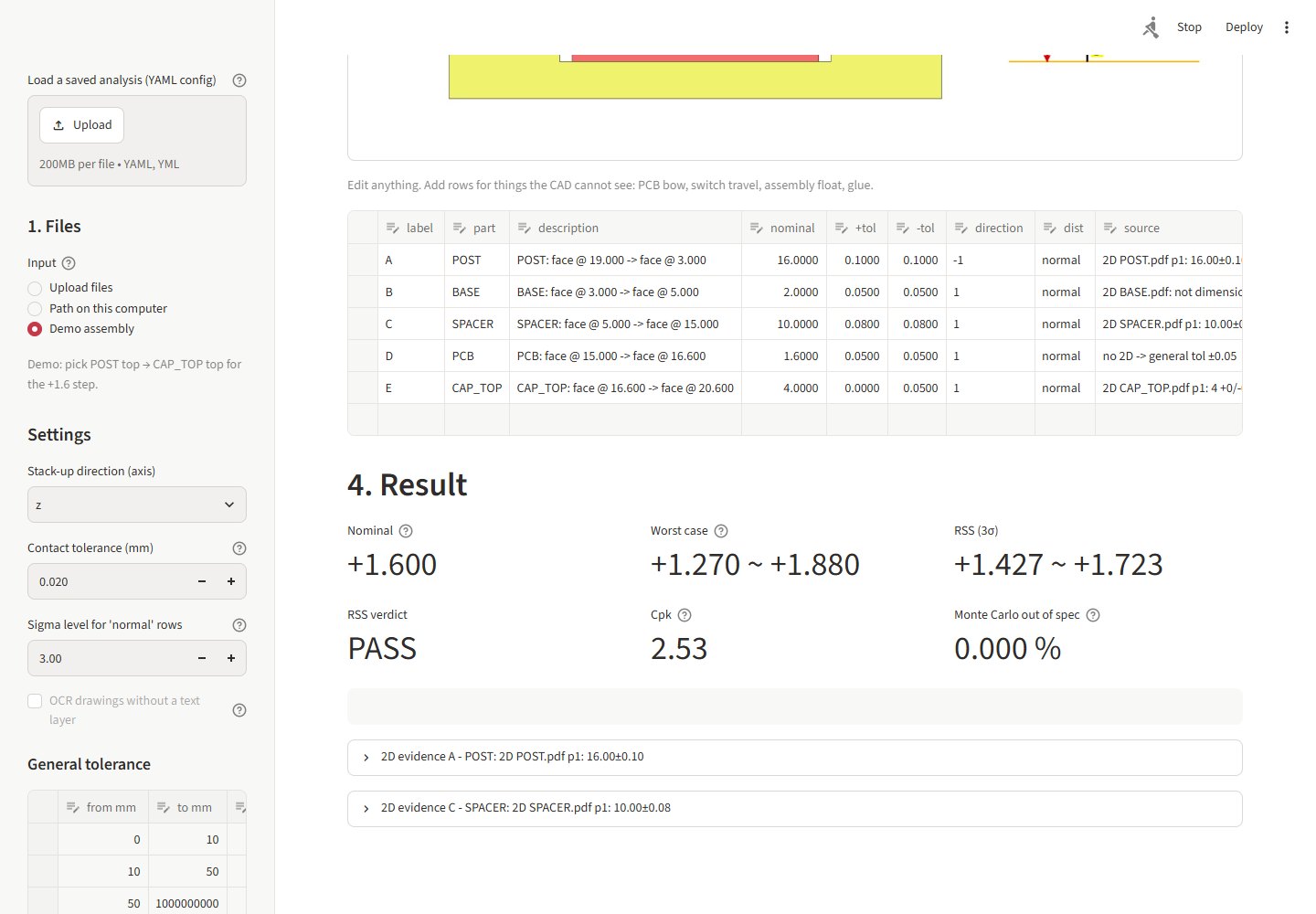
The result is an Excel file with live formulas, a colour section picture, the 2D evidence and a reviewer sign-off block.
Load the demo assembly, upload a STEP and the 2D PDFs, or point to a folder.
Choose Step or Gap, then the From and To part and face; set LSL/USL if you have a spec.
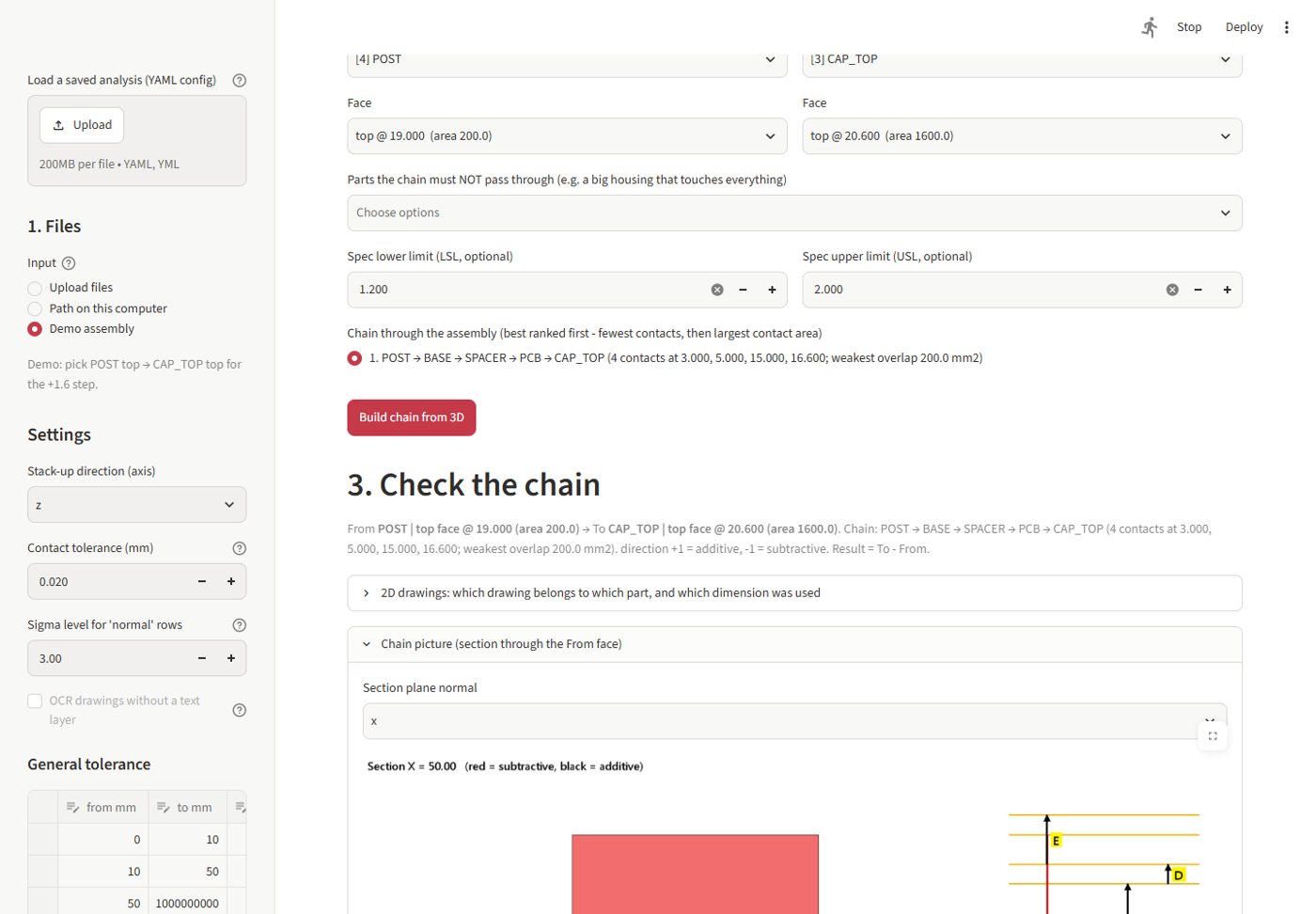
Pick the chain from the ranked list and build it from the 3D; a section picture appears.
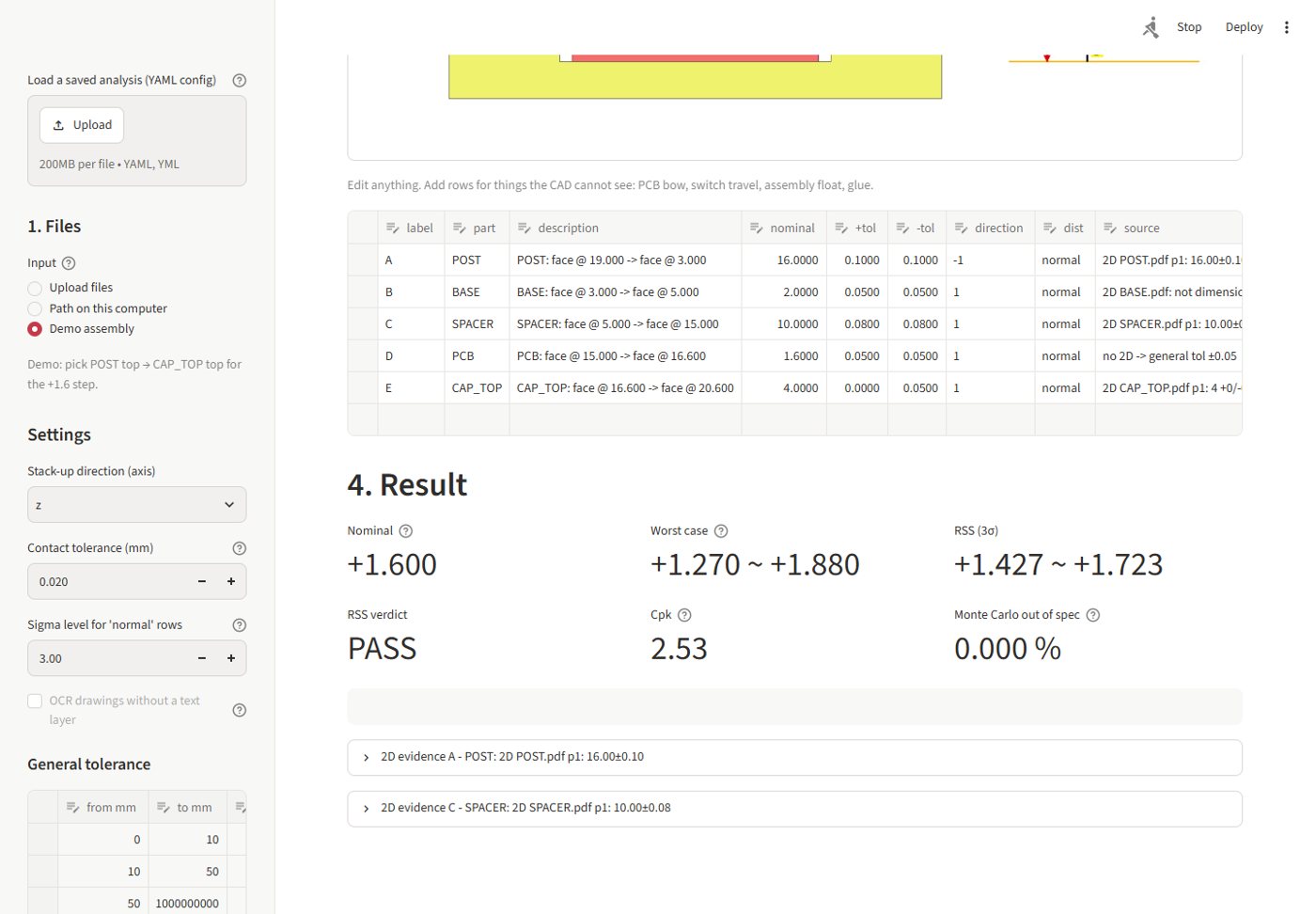
Check each row and the 2D dimension it uses; assign another drawing or candidate if needed.
Every part, its name and its planar faces along the stack-up axis (X, Y or Z).
Two faces touch only if their real outlines overlap, holes and L-shapes included, within a contact tolerance (default 0.02 mm).
Every possible chain from the From face to the To face, fewest contacts first. A chain that does not close against the 3D is refused.
Finds 62.73±0.1, 2 +0/-0.05 or limit dimensions in the matching PDF, ranks the candidates and crops the one used as evidence.
Nominal, mean shift, worst case, RSS, Cp, Cpk, ppm, yield and contribution %. Each row can be normal, uniform or triangular.
Inputs in yellow, everything else a formula: edit a tolerance and the whole stack, Cpk and verdict recalculate.
2D references sheet, Assumptions sheet (method, chain used, other chains found, general table) and a Prepared / Checked / Approved block.
A Streamlit app for picking faces and chains, and tolstack demo, faces, paths and run for batch work from a YAML config.
From the README’s “Try the demo” section. Full options, requirements and troubleshooting are there too.
Open the README$ git clone https://github.com/juw12/tolstack.git
$ cd tolstack
$ pip install -e ".[app]"
$ python -m tolstack demo tolstack_demo --run
$ streamlit run app.pyStraight from the README, so you know what you're getting before you try it.
29 files in the repo · last updated 12 Nov 2026.
Browse the codeHone round 1: ranked chains, true face outlines, closure check, distributions + Cp/Cpk, limit dims, 2D candidates, Excel assumptions + sign-off…
1-D tolerance stack-up from STEP + 2D PDFs to Excel (web app + CLI)
Python, Streamlit, OpenCascade.
The commands in the “Try the demo” box above come straight from the README. Paste them into a terminal; the README covers options and troubleshooting.
1-D stack-ups only, along one axis. Contacts are planar faces normal to the axis.
The source is public on GitHub under the MIT licence.
Juwen Lie, an R&D mechanical engineer in Batam, Indonesia, as an independent personal project.
Tolerance stack-ups from 3D and 2D, straight to Excel